



All email marketing services/platforms say they're the best. But there is no such thing. We, including Bento, all have basically the same features. We all have same infrastructure on the back end to send your emails.
YOU pick your software stack based on OUR marketing. Even if you do evaluate several options, the shortlist only consists of tools you already know and associate positively with your use-case.
Here are the most important considerations when picking an email marketing service:
- Ease of use: How easy it to send email campaigns (broadcast or automated)? The easier it is to send emails, the more you will send, and the more money you'll make.
- Deliverability: Do your emails get to inboxes? The more emails you inbox, the more your emails are read, and the more money you'll make.
- Customer support: How good is the help they offer you when you need it? And are they email marketers themselves?
Here are the next-most important considerations:
- Value for money: Are you paying a reasonable price for the features you're getting? Are the most important features hidden behind expensive tiers? Do they try to lock you in with a free plan or cheap starter plan, only to hold your list to ransom as you grow?
- Integration: Does it play nice with your tech stack? How easy is it to connect your email marketing platform to the tools you already use?
- Software updates: Are they shipping new updates, bug fixes, and features weekly? Or do changes take months?
...Everything else is a nice-to-have.
Most platforms work fine when you're starting out. The problems show up when you scale. Some handle deliverability better. Others work great for specific industries. Some stay affordable as you grow, others get crazy expensive.
This guide covers the best email marketing services. I'll explain what makes each one different and help you choose based on what actually drives results. We cover everything from free plans to enterprise platforms.
TL;DR: Quick Picks by Business Type
Here are the mental “shorlists” people choose their email marketing service from, based on niche/business type:
- B2B (consulting, services): Bento, Hubspot, ActiveCampaign, GoHighLevel
- eCommerce: Bento, Klaviyo, Omnisend, Privy, Mailchimp
- Online education (courses, coaching): Bento, Kit, ActiveCampaign, GoHighLevel
- SaaS: Bento, Loops.so, Customer.io, Hubspot, Brevo
- Affiliate & direct response marketing: Campaign Refinery, ActiveCampaign, GoHighLevel
- Content creators: Kit, Substack, beehiiv
This type of categorization makes sense. If you're a B2B that needs CRM and sales pipeline features, Hubspot is a better choice than Klaviyo. If you're a newsletter business that sells ads placements, beehiiv is a better choice than ActiveCampaign. Different email marketing services excel in different areas.
You'll notice Bento works with every type of business except affiliate/direct response. That's because:
- Bento is an ARTISANAL email marketing platform with unparalleled support direct from its founder. Many of our features are and were built in collaboration with our customers.
- We don't allow aggressive direct response marketers on our platform. To protect the email deliverability of all our customers, we reject certain types of businesses.
If you care about deliverability and want control over how emails get sent, check out Bento. We include deliverability tools in the platform (reputation monitoring, authentication setup, batching controls).
If you care about simplicity and ease-of-use, check out Bento. We make it as easy and enjoyable as possible for you to send emails. We also include checks and guardrails to help you follow email marketing best practices avoid common email marketing mistakes.
If you care about customer support, check out Bento. You'll get direct access to Jesse Hanley, our founder, via our Discord server. He'll jump on calls with you, if you need it. He'll even code and launch new features for you in 24 hours (true story.) Try getting the founder of Mailchimp to do that. Hah!
If you care about value for money, check out Bento. You pay one price to access to all of our advanced features. None of our features are gated behind subscription tiers.
If you care about integration with your current tech stack, check out Bento. We have integrations for the most common tech stacks used by B2B, eCommerce, SaaS, online education, and content creators.
Understanding Email Marketing Services: What Actually Matters
Before we compare specific services, you need to know what to look for.
Core Features Every Service Should Have
Email building needs to be easy. Can you create professional emails quickly? Do they give you templates or drag-and-drop builders? Can you preview how emails look in Gmail versus Outlook? Some platforms make this painful, which gets old fast when you're sending weekly campaigns.
List management becomes crucial as you grow. How easy is importing contacts? Can you segment audiences effectively? How does it handle unsubscribes and bounces? Can you tag and organize subscribers in ways that make sense? Bad list management tools become a nightmare at 10,000+ contacts.
Automation separates basic tools from serious platforms. Can you build email sequences that run automatically? Send emails based on what people do on your website? Create multi-step campaigns? Some platforms make simple automation easy but fall apart with complexity. Others handle complex workflows but overwhelm beginners.
Deliverability infrastructure is something nobody thinks about until emails start landing in spam. Does the platform help set up SPF, DKIM, and DMARC? Do they monitor your reputation? Give you tools to improve inbox placement? Some platforms are way better at this than others.
Analytics vary a lot between platforms. Basic ones show open rates and clicks. Better ones track revenue, engagement scoring, and help you understand what's working. Can you export data? Does the reporting actually help you improve, or is it just numbers on a screen?
Integration Capabilities
Native integrations save tons of time. Does it connect to Shopify, Stripe, WordPress, or whatever you're using? How deep are these connections? Some platforms have surface-level integrations that barely work. Others sync everything automatically and include pre-built workflows.
API access matters if you're building custom stuff. Is the documentation good? Can you use webhooks? Will you hit rate limits? Bad APIs mean you can't build what you need.
Workflow integration gets interesting when email triggers actions in other tools, or when other tools trigger emails. The platforms that nail this let you build workflows that span multiple tools seamlessly.
Pricing Models and Scalability
Pricing structure affects your long-term costs more than the current price. Some charge by contacts, others by emails sent, some have flat rates. A platform that's $50/month now might jump to $500/month at 50,000 contacts. That's not sustainable for most businesses.
Free plans vary wildly. Some are genuinely useful long-term. Others are basically trials with heavy restrictions. Know what you're getting before you commit.
The upgrade path matters. What happens when you outgrow the free plan? Can you upgrade smoothly or do you need to migrate everything? Some platforms make upgrading painful or crazy expensive.
Support and Reliability
Support quality is all over the place. Some give you real humans who know the platform. Others give you chatbots and canned responses. When deliverability tanks at 2am, can you reach someone who can actually help?
Uptime should be a given but isn't always. Check their uptime guarantee. How do they handle outages? Email is critical for most businesses, so reliability matters.
Platform stability is worth checking. Is the company solid? Will they be around next year? Have they been acquired recently? I've seen businesses migrate to platforms that shut down six months later.
What Actually Matters
Most people choose based on price, ease of use, or specific features they need. Don't try to optimize for everything. Figure out what you absolutely need, find services that nail those things, then accept the tradeoffs.
You can migrate later if needs change, though picking right the first time saves headaches. Our Mailchimp alternatives guide includes migration tips if you need them.
Deep Dive: The Best Email Marketing Services
Time for specifics. Here's what you need to know about each major platform.
Klaviyo: The Ecommerce Powerhouse
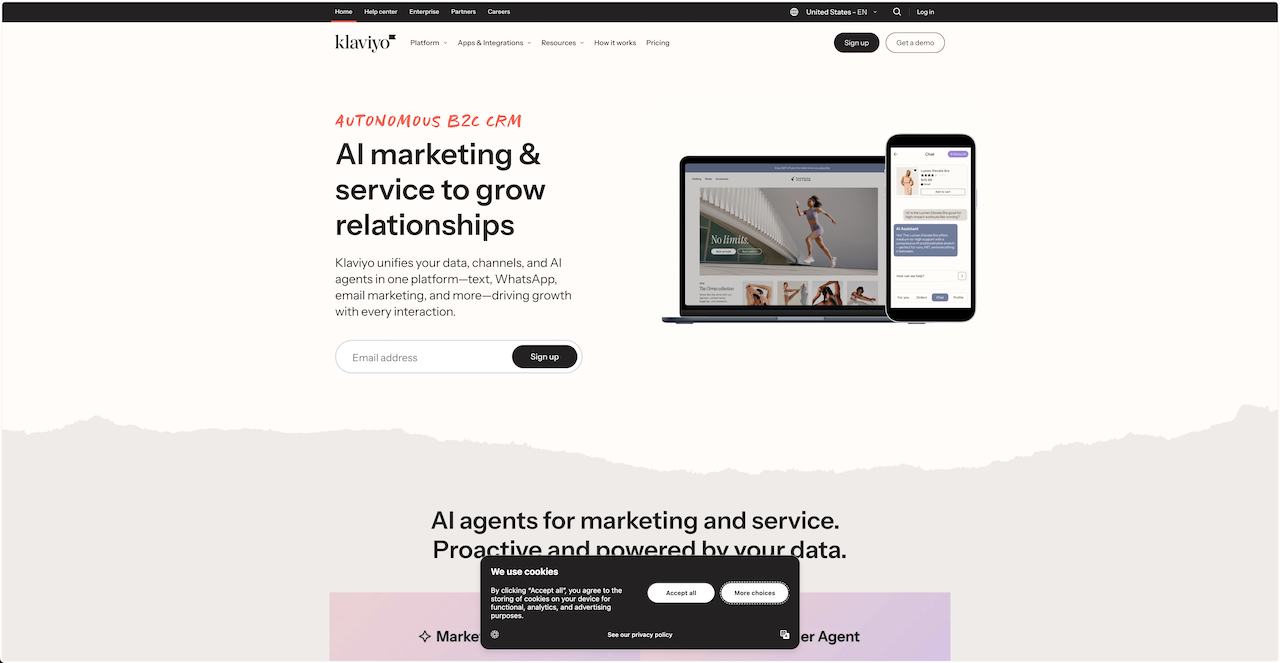
Who it's for: Online stores, Shopify brands, anyone making serious money from email.
What makes it stand out: Klaviyo was built for ecommerce from day one. The platform triggers emails based on shopping behavior. Someone views a product, abandons a cart, makes a purchase, Klaviyo handles it all automatically.
The predictive analytics are useful. They identify who's likely to buy again or stop buying, so you know who to focus on. Revenue tracking shows exactly which emails make money, not just who opened them.
Shopify integration is seamless. Product data, customer info, purchase history all sync automatically. Same with WooCommerce and other major platforms.
The downsides: It gets expensive fast. You pay per contact, not per email. So you're paying for everyone on your list whether you email them or not. Expect $1,000+ monthly for larger lists.
The platform assumes you're selling physical products. If you're a consultant or service business, half the features are useless.
Pricing reality: Free up to 250 contacts. Paid starts around $45/month for 500 contacts. You'll pay $300+ monthly at 25,000 contacts.
Bottom line: Great for serious ecommerce businesses with decent budgets. Overkill for small stores or non-product businesses.
Mailchimp: The All-in-One Classic
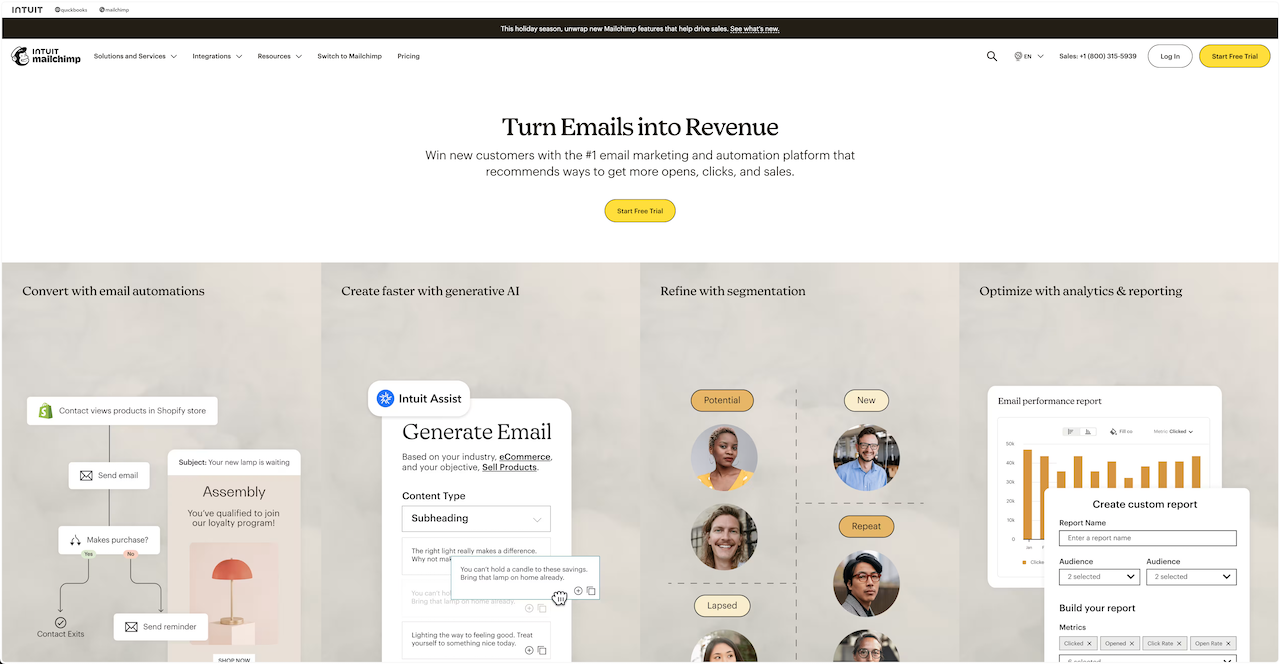
Who it's for: Small businesses, beginners, teams wanting everything in one place.
What makes it stand out: Mailchimp is the one everyone knows. The interface is polished. Non-technical people can figure it out. Free plan (500 contacts, 1,000 sends monthly) is enough to get started.
They've expanded beyond email. Landing pages, social ads, postcards, basic websites. If you want one tool for multiple marketing channels, this breadth is useful.
They integrate with basically everything. 300+ native integrations that mostly work well.
The downsides: Pricing gets weird as you scale. Free plan is good, then it jumps up quickly. You need the expensive plans for decent automation.
They try to do everything, which means they're not the best at anything. Automation isn't as good as ActiveCampaign. Ecommerce features aren't as good as Klaviyo. Deliverability tools are basic.
Pricing reality: Free for 500 contacts, 1,000 sends/month. Essentials plan starts around $13/month. Premium (which you'll probably need) is $350+ monthly.
Bottom line: Good starter platform if you want everything in one place. Move to something specialized once you know what you actually need.
ActiveCampaign: Deep Automation + CRM
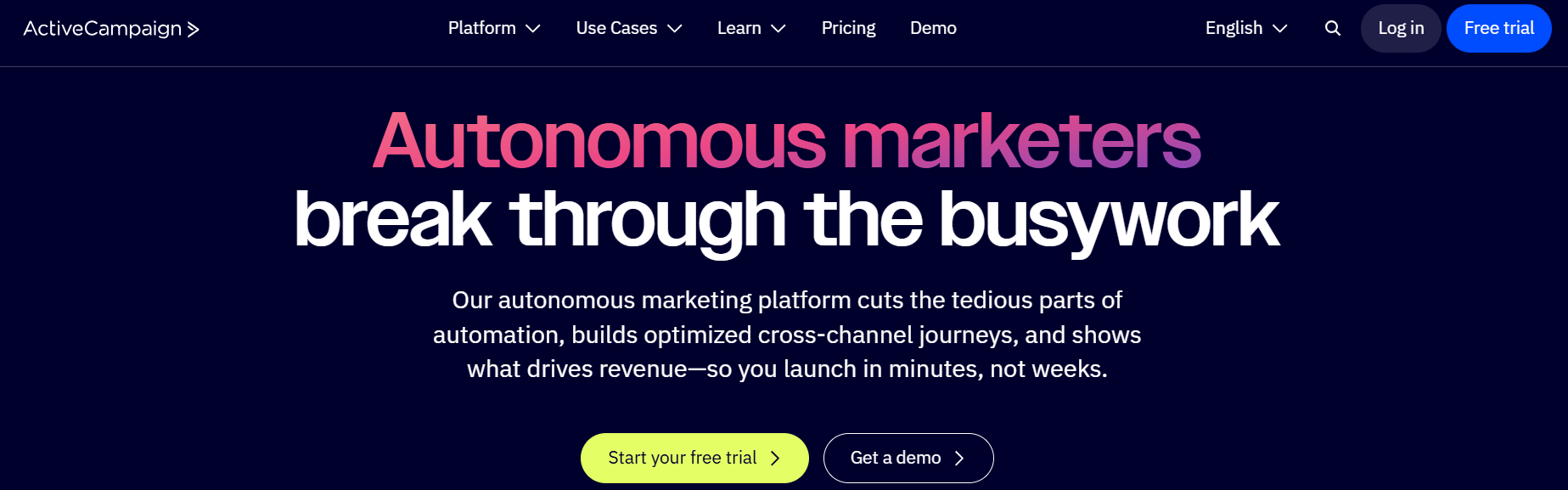
Who it's for: B2B companies, agencies, anyone building complex email sequences who also needs CRM.
What makes it stand out: The automation builder is legitimately powerful. You can create branching workflows with conditions, delays, tags, and goals. Visual builder makes complex sequences easier to understand.
CRM features are solid for a marketing platform. Contact management, deal tracking, pipeline views. Not Salesforce, but enough to manage leads without switching tools.
Lead scoring actually works. Tracks engagement across channels and scores contacts automatically. Helps you focus on people likely to buy.
The downsides: Interface feels cluttered. Learning curve is steep. CRM isn't deep enough if you have a complex sales process.
Gets expensive with multiple users and advanced features. Basic is $29/month but you'll probably need the $229/month plan.
Bottom line: Perfect for sophisticated nurture sequences with light CRM needs. Too complex if you just need basic email.
ConvertKit (Kit): Built for Creators
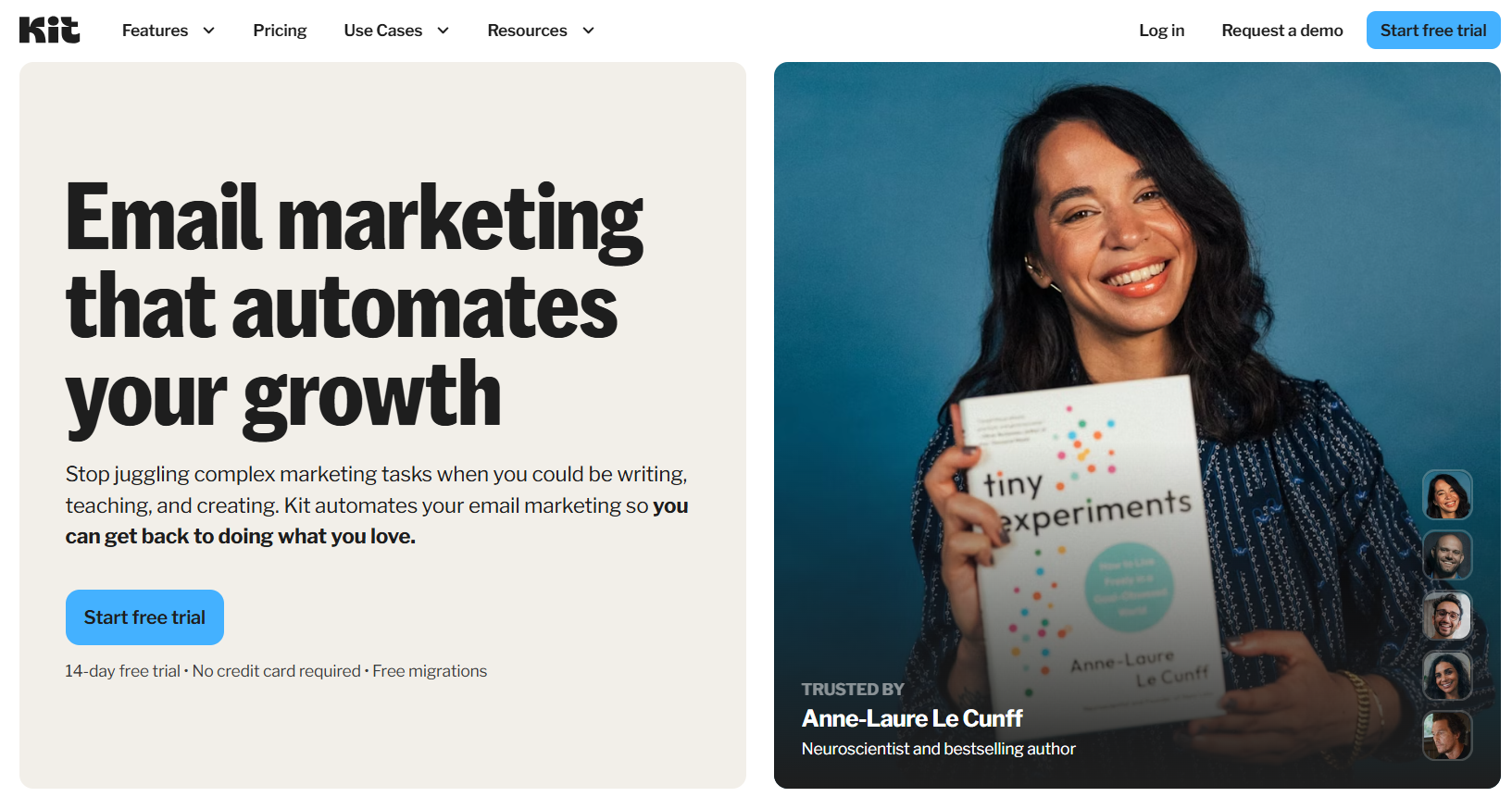
Who it's for: Bloggers, course creators, anyone making money from an audience.
What makes it stand out: Built specifically for creators. The whole platform makes sense if that's your business model. Tags and segments work how creators think about audiences.
Automation is powerful but stays simple. You can build a 5-day course launch sequence without getting lost. Visual builder is clean.
Landing pages and forms included. Saves you from needing separate tools. Creator features like subscriber tagging and email courses are built-in.
The downsides: Interface feels basic if you're used to feature-rich platforms. Limited ecommerce features. No deep Shopify integration or product automation.
Gets expensive as lists grow since pricing is per contact. Free up to 1,000 subscribers, then $29+ monthly.
Bottom line: Best choice for creators selling digital products or courses. Skip it for ecommerce or B2B.
HubSpot: The Enterprise Suite
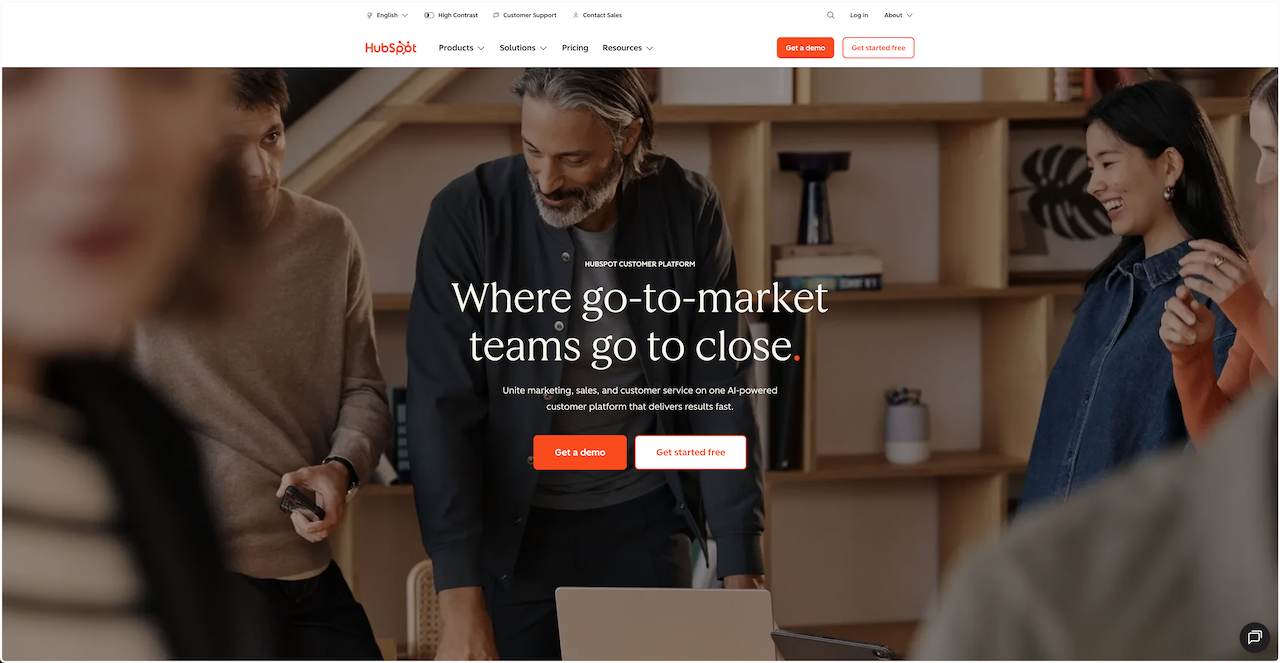
Who it's for: Companies using HubSpot CRM who want integrated marketing.
What makes it stand out: If you're already using HubSpot, the integration is perfect. Marketing contacts, deals, sales activities all in one place. You see the full customer journey.
Marketing automation is powerful when combined with CRM data. Trigger emails based on deal stage, company size, or sales activity.
Reporting is comprehensive. Track ROI, attribution, performance across channels. Actually answers "did this campaign make money?"
The downsides: Expensive. Free plan is limited. Marketing Hub Professional is $890/month. Interface is dense if you're not already familiar with HubSpot.
Overkill if you're not using HubSpot for CRM. You're paying for features you don't need.
Bottom line: Makes sense if you're all-in on HubSpot. Look elsewhere for standalone email marketing.
Brevo (formerly Sendinblue): Unlimited Contacts
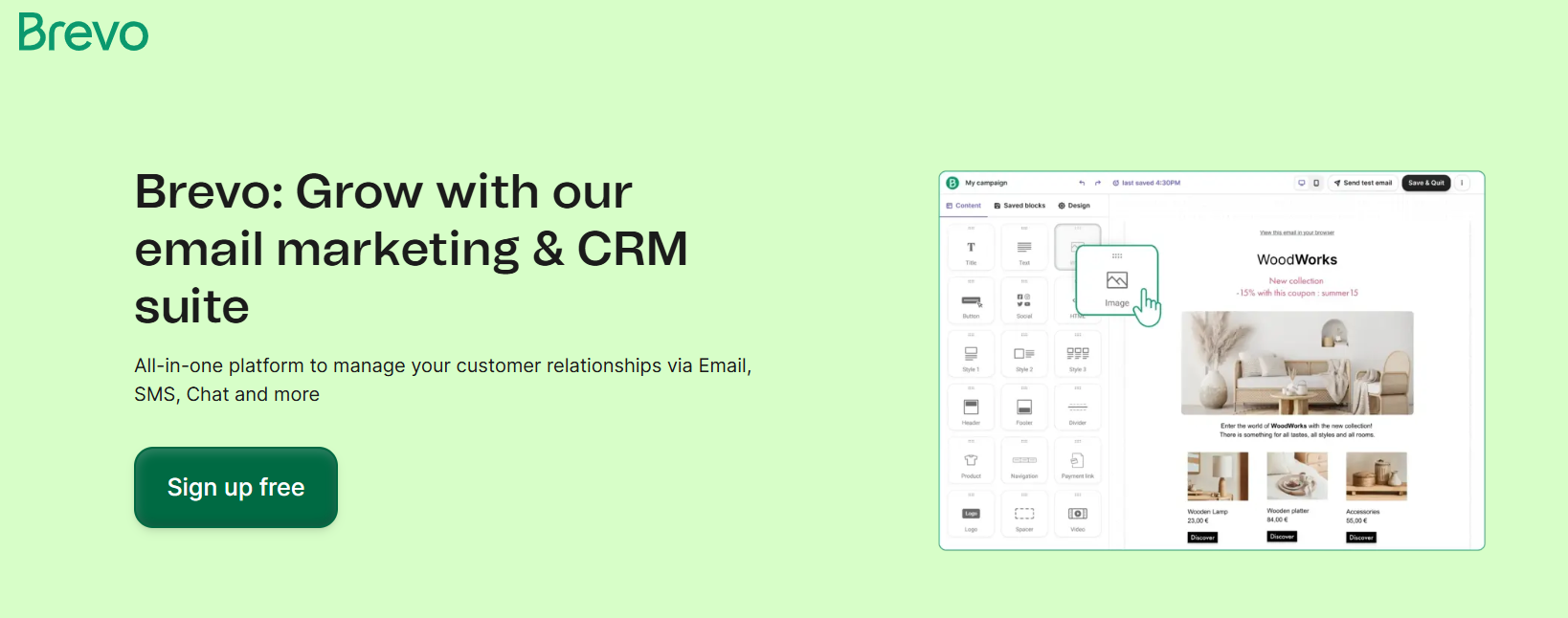
Who it's for: Anyone building a list but not sending much yet.
What makes it stand out: Free plan has unlimited contacts. Store as many subscribers as you want. Rare and useful when you're in growth mode.
Daily send limit is 300 emails (about 9,000 monthly). Free plan includes transactional email, which many charge extra for.
Decent segmentation. Can use it like a lightweight CRM. Includes a live chat widget.
The downsides: Email templates look dated. Reporting is scattered around the platform. Interface isn't intuitive.
Daily send limits are restrictive for bigger campaigns. Limited integrations (65 versus Mailchimp's 300+).
Bottom line: Perfect for unlimited contact storage with send limits. Great for list building phase.
MailerLite: Budget-Friendly Powerhouse
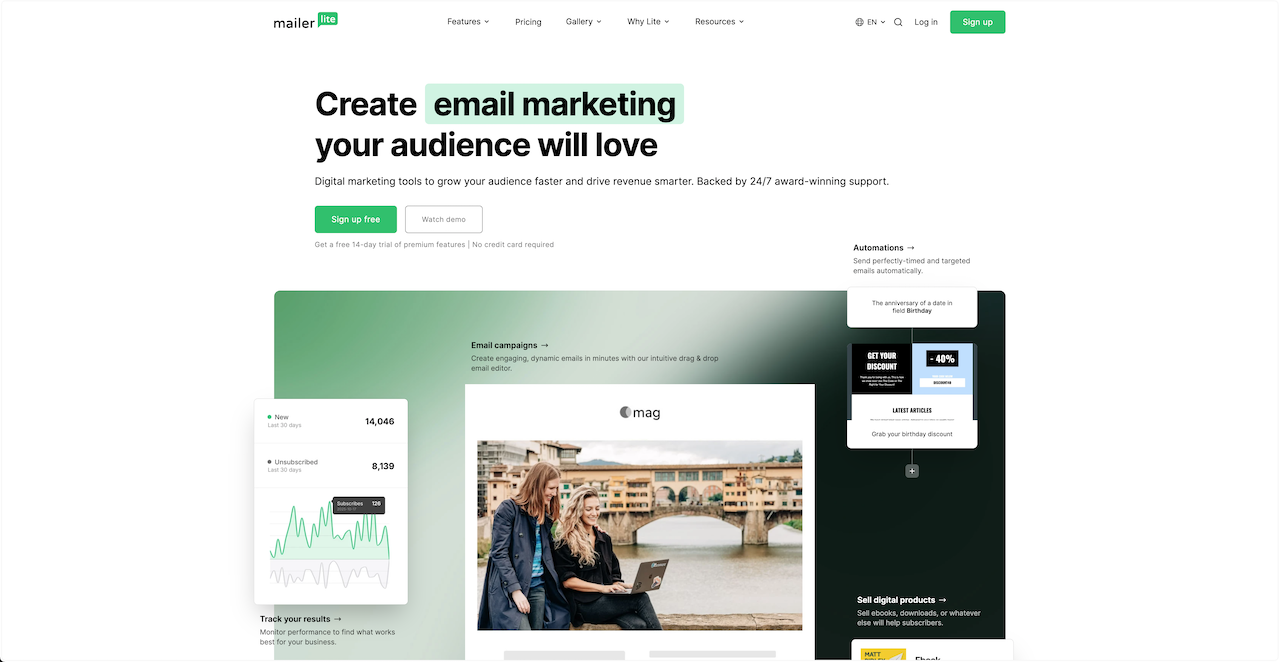
Who it's for: Growing businesses wanting solid features without premium prices.
What makes it stand out: The email builder uses content blocks instead of templates. Super fast to build professional emails. Want a countdown timer? RSS feed? Just drag the block in.
Free plan is generous. 1,000 subscribers and 12,000 emails monthly with full automation. Enough to properly test the platform.
Automation and segmentation are surprisingly good for the price. Behavioral triggers, engagement segmentation, complex workflows all work.
The downsides: Design isn't as polished as Mailchimp or Klaviyo. Fewer templates on the free plan, though the block builder compensates.
Bottom line: Exceptional value. Solid automation and segmentation without premium pricing. Paid plans start at $9/month.
Bento: Deliverability-First Email Marketing
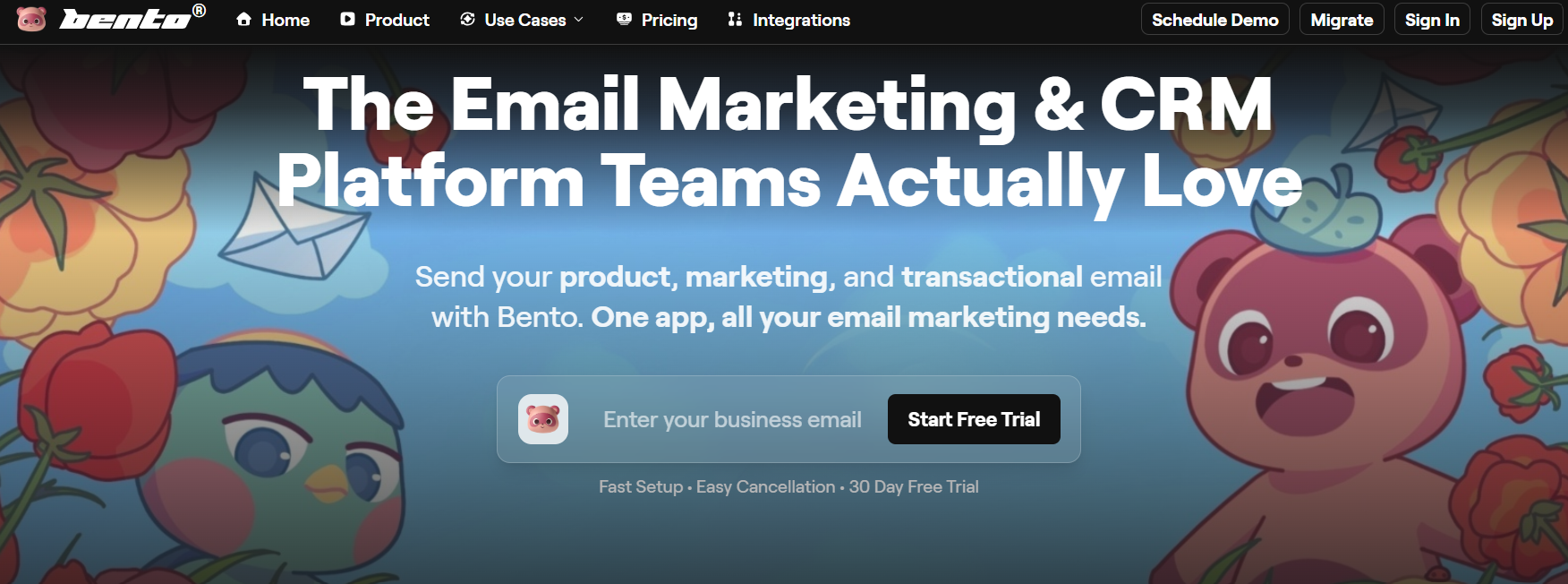
Who it's for: Operators who care about inbox placement and want control.
What makes it stand out: Deliverability isn't an add-on, it's the foundation. Platform includes reputation monitoring, authentication setup, and batching controls. Most services treat deliverability as an afterthought.
Batching controls let you spread sends over hours or days instead of blasting everything at once. ISPs prefer this. Your inbox placement improves.
Automation is built with deliverability in mind. Triggers work based on behavior but respect domain reputation and list quality.
Pay for emails sent, not contacts stored. Makes sense if you manage list quality actively or don't email everyone constantly.
The downsides: Not trying to be an all-in-one platform. No landing pages, social ads, or website builders.
Focus is email, period.
Requires attention to list quality and sending practices. They won't accept all business types (pure play affiliates won't get accepted for example).
Pricing reality: Value-based pricing on emails sent. Often cheaper than contact-based pricing for quality-focused senders.
Bottom line: Perfect for sustainable email programs where inbox placement matters. Deliverability tools help you send responsibly.
Constant Contact / Benchmark: Traditional Newsletter Tools
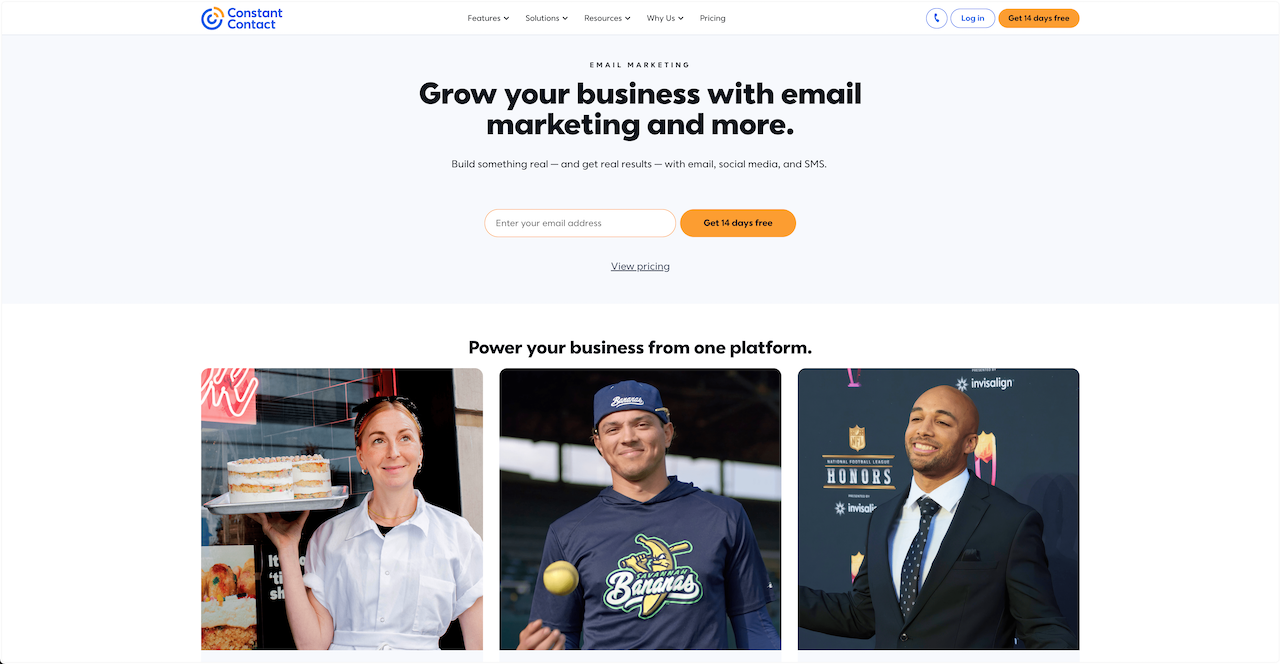
Who it's for: Anyone sending straightforward newsletters without complex needs.
What makes it stand out: Both are simple and reliable. Constant Contact has been around forever. Trusted by small businesses. Benchmark offers 500 subscribers free with decent features.
Good templates, approachable interfaces, solid support. They do newsletters well without trying to be everything.
The downsides: Design feels dated. Fewer integrations than modern platforms. Basic automation compared to specialized tools.
Bottom line: Solid for simple newsletter sending. Pick Constant Contact for support and simplicity. Pick Benchmark for a better free plan.
Specialized Email Marketing Services
Some platforms serve specific niches well:
SendGrid: Developers sending mostly transactional emails with some marketing. Strong API, good deliverability, lighter marketing features.
Flodesk: Designers who want beautiful emails. Gorgeous templates, simple interface, fewer advanced features.
Omnisend: Small ecommerce stores needing automation on tiny budgets. Limited free plan (250 subscribers, 500 emails/month) but includes full automation.
Postmark: Applications sending critical transactional emails. Built for speed and reliability. Separate streams for transactional versus marketing.
These are all legitimate options depending on your specific needs. Choice usually comes down to pricing, features, or which interface you prefer.
Choosing the Right Email Marketing Service
With all these options, how do you pick?
Start with your actual needs. Don't pay for features you won't use. Simple newsletters don't need complex automation. Ecommerce stores probably do need product triggers. Match the service to reality, not aspirations.
Think about where you'll be in a year. The service that works for 1,000 contacts might break at 100,000. Consider how you'll scale and choose platforms that grow with you.
Your existing tools matter. Need deep Shopify integration? Want everything in one platform? Comfortable using multiple tools? Your current stack influences what fits best.
Check deliverability practices. How seriously do they take inbox placement? Do they help with authentication? Monitor reputation? Alert you to problems? Some services are much better here.
Test before committing. Most offer free trials or plans. Actually use them. Set up campaigns, build automation, send emails. Screenshots lie. Real usage tells the truth.
Don't overthink this. Pick something that works now and start sending. You can migrate later. Perfect is the enemy of done.
Where Bento Fits: Email Marketing for Operators
Bento works for people who take email seriously. If you care about inbox placement, manage list quality, and want automation that improves results, we built this for you.
We combine email marketing with deliverability tools that others charge extra for or don't offer. Batching controls, reputation monitoring, authentication setup come standard. You pay for emails sent, not contacts stored.
Bento makes sense when you're building a sustainable email program and care about deliverability. When you need automation that works without overwhelming complexity. When you want to understand what's happening, not just hope for the best.
Other services make sense when you need an all-in-one marketing platform with landing pages and social ads. When you want the absolute cheapest option regardless of deliverability. When you prefer to set campaigns once and never think about them again.
Ready to Choose Your Email Marketing Service?
Match platforms to what you're building. Ecommerce stores need different features than bloggers. B2B teams need different automation than small businesses.
Test deliverability before committing. Send test campaigns. Measure inbox placement. Use real data, not marketing claims. The best automation is worthless if emails land in spam.
Understand pricing at scale. Calculate costs at your projected size, not current volume. That cheap platform might cost $500+ monthly at 50,000 contacts.
Focus on automation you'll actually use. Complex workflows that never get built are worthless. Pick platforms that make your needed automation easy.
Plan for growth, not perfection. Choose what works for the next 12-18 months. You can migrate later if needs change.
Related resources: Compare free options in our free email marketing software guide. For budget comparisons, see cheap email marketing. If you're evaluating Mailchimp, our Mailchimp alternatives guide compares top competitors.
Every service we covered has legitimate strengths. Klaviyo for ecommerce, ActiveCampaign for complex automation, MailerLite for value, Brevo for unlimited contacts, ConvertKit for creators, Bento for deliverability-first sending.
Start with free trials. Send real campaigns. Measure results. Then commit. If you're evaluating Bento and want to understand how deliverability-first sending compares, we're here to help.

