



Password resets. Order confirmations. Receipts. Account verification. These emails must work, must land in primary inboxes, and must be delivered instantly.
You could build your own email infrastructure. Set up SMTP servers, handle bounces, monitor reputation, configure authentication. But then you're managing email servers instead of building your actual product.
Most developers learn this the hard way. They start sending email themselves, then spend weeks debugging delivery issues. That's why transactional email services exist.
This guide breaks down what each service does well, where they fall short, and which ones work best for different use cases. We'll look at APIs, reliability, speed, and the infrastructure that makes emails actually reach inboxes.
TL;DR: Quick Picks by Use Case
Need to pick fast? Here's who each service works best for.
Bento - Want a CRM/marketing software that handles transactional email with the same effectiveness as the most popular services, and has built in deliverability tools? Look no further than Bento.
Postmark - If your transactional emails absolutely must arrive fast, Postmark delivers. Yes, it costs more than average provider, but for password resets and order confirmations, the speed is worth it.
Mailgun - Sending millions of emails? Mailgun handles volume. Good tracking, solid analytics, SDKs for every language. Built for companies that send serious email volume.
SendGrid - Need both transactional and marketing email? SendGrid does both in one platform. Not the best at either, but sometimes convenience wins.
Amazon SES - Already using AWS? SES is stupid cheap. You'll do more setup work, but at $0.10 per 1,000 emails, it's hard to beat the price.
Resend - Want a modern API that's actually nice to use? Resend nails developer experience. Clean docs, simple integration, works like you'd expect.
SparkPost - Big enterprise with compliance requirements? SparkPost has the analytics and features you need. Complex and pricey, but that's enterprise software.
Quick note: Some services focus purely on transactional (Postmark), others mix transactional with marketing (Bento). Pick based on what you actually need: speed, cost, convenience, or specific features.
We're biased but, in our opinion, most marketing teams would benefit from one service like Bento that handles their marketing and transactional emails.
Need to compare APIs? Check our best email API services guide. Want to understand deliverability? See email deliverability tools.
What Are Transactional Email Services?
First, what are transactional emails exactly?
They're the automated emails your app sends when users do something. Reset a password? That's transactional. Buy something? Order confirmation is transactional. Create an account? Welcome email is transactional. These aren't marketing emails, they're functional emails users actually need.
As you can imagine, transactional emails work differently than marketing emails. Users expect them instantly - if someone resets their password, they're sitting there waiting for that email. Marketing emails can take a few minutes, but transactional emails can't.
Volume spikes hit differently too. Launch a flash sale? Suddenly you're sending thousands of order confirmations at once. Your infrastructure needs to handle that without choking.
Then there's reputation. If your marketing emails get marked as spam, you don't want that killing your password reset delivery. Good transactional services keep these separate.
The common types you'll send:
- Authentication: password resets, email verification, magic links
- Orders: purchase confirmations, receipts, shipping updates
- Account stuff: welcome emails, security alerts, profile updates
- Notifications: activity alerts, system messages, reminders
Here's the thing about APIs: your app sends these emails programmatically, not through some dashboard. The API has to be fast, reliable, and well-documented. Bad API equals broken app experience.
Deliverability matters more than you think. Transactional emails landing in spam is a disaster. ISPs treat transactional emails differently than marketing, but only if you send them right. That's why specialized services exist.
Sure, you could send transactional emails through your marketing platform. But dedicated transactional services are faster, more reliable, and actually built for this use case. For password resets and order confirmations, the specialized service pays for itself.
How to Choose a Transactional Email Service
Here's what actually matters when picking a service.
Speed and Reliability
Speed isn't optional. Some services deliver in seconds. Others take minutes. For password resets, those extra minutes feel like hours to users. I've watched users request password resets three times because the first email took too long.
Check the uptime guarantee - 99.9% sounds good until you realize that's 8 hours of downtime per year. When your transactional emails are down, your app feels broken. Users don't care that it's your email provider's fault.
If you send both marketing and transactional emails, you need separate streams. Marketing emails getting flagged as spam shouldn't kill your password reset delivery. Some services handle this automatically, while others make you configure it. Know which you're getting.
API and Developer Experience
The API determines how much pain you're signing up for. Good documentation helps. Clear examples help more. But what really matters is whether the API works like you'd expect. Some APIs look great in docs but break in weird ways in production.
SDKs save time if they're good. Check for your language - Node.js, Python, Ruby, PHP, Go, whatever you use. Native SDKs beat building HTTP requests yourself; bad SDKs are worse than no SDK.
You'll need webhooks for delivery events. When emails bounce, get delivered, or get clicked, you want to know. Some services fire webhooks reliably. Others... don't. Inconsistent webhooks make debugging hell.
Deliverability and Reputation
Does the service actually care about deliverability? They should help you set up SPF, DKIM, and DMARC, monitor your reputation and know how to optimize for transactional patterns.
Reputation monitoring saves you from problems. The service should watch your domain and IP reputation, alert you when things go sideways, and give you tools to fix issues before they get bad.
ISP relationships matter. Services with good relationships at Gmail, Yahoo, and Outlook get better inbox placement. It might not be fair, but it's reality.
Features and Functionality
Templates save time. That is why you want email templates, dynamic content, maybe template versioning. Without templates, you're managing HTML in your codebase and that gets messy fast.
Personalization should be easy. Merge tags for names, order details, whatever you need. If adding a user's name requires complex logic, the service is doing it wrong.
You need analytics to debug problems: delivery rates, bounce rates, open tracking. When a user says they didn't get an email, you need logs to figure out why.
Pricing and Scalability
Pricing models vary wildly - some charge per email; Others have monthly plans with included volume; Some do pay-as-you-go. The key is to figure out what works for your volume.
Make sure they can handle your growth as some services throttle you at higher volumes and others scale smoothly. You don't want to hit limits during a product launch.
Do the math on scaling costs. That cheap starter plan might get expensive fast. Pay-as-you-go sounds great until you're sending millions of emails.
Note on Bento: Unlike the others, Bento charges by contact (subscriber), not by the number of emails sent. You can send unlimited emails to your contacts. The price listed below assumes you have 3,000 contacts or fewer (the minimum tier).
| Provider | Free Tier (Monthly) | Starting Paid Plan | Cost for ~50,000 Emails | Best For |
|---|---|---|---|---|
| Bento | 30-day free trial | $30/mo (up to 3k contacts) | $20.00* | CRM & Automation |
| Amazon SES | 3,000 emails (for 12 mos) | Pay-as-you-go | $5.00 | Lowest absolute price |
| Resend | 3,000 emails | $20/mo (includes 50k) | $20.00 | Developer Experience (DX) |
| SendGrid | 100 emails/day (~3k/mo) | ~$19.95/mo (includes 50k) | $19.95 | Marketing + Transactional Mix |
| Mailgun | 5,000 emails (1 mo trial) | $35/mo (includes 50k) | $35.00 | High Volume & Analytics |
| Postmark | 100 emails (Developer) | $15/mo (10k emails) | $55.00 | Speed & Deliverability |
| SparkPost | 500 emails (Test account) | ~$20-$30/mo | ~$50.00 | Enterprise Compliance |
What Actually Matters
Most apps don't need fancy features. You need emails that arrive fast and reliably. Pick based on API quality, speed, and uptime. Skip the features you won't use.
Deep Dive: The Best Transactional Email Services
Time for the details. Here's what each service actually does:
Postmark: Ultra-Fast Transactional Delivery
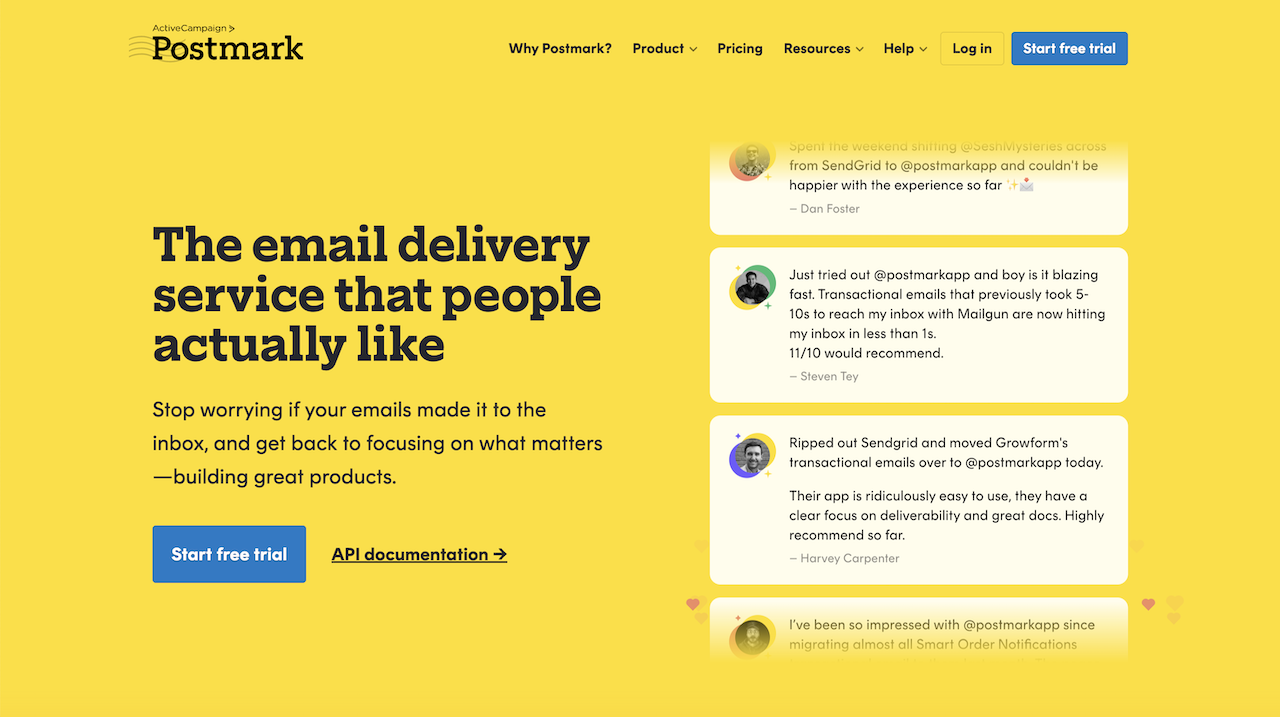
Who it's for: Apps that need transactional emails to arrive RIGHT NOW.
What makes it stand out: Postmark does one thing: transactional email. And they're really good at it. Emails arrive in seconds, not minutes and uptime is rock solid. They keep transactional and marketing emails totally separate, so marketing problems won't hurt your password resets.
The API is clean. Documentation actually makes sense. They support Rails, Ruby, .NET, Java, PHP, and Node.js. Real-time tracking shows you exactly what's happening with your emails.
You get templates, personalization, webhooks for delivery events. Everything's built for transactional email, nothing else.
The downsides: It's pricey. $15/month for 10,000 emails, same as Mailgun. But Mailgun does more while Postmark only does transactional. Need marketing emails? You'll need another service.
Also, Postmark expects you to send only transactional emails. Mix in marketing stuff and their system gets less effective.
Pricing reality: Free trial to start. Then $15/month for 10,000 emails and goes up from there.
Bottom line: If your password resets and order confirmations absolutely must arrive fast, Postmark is worth the money. For apps where email speed equals user happiness, pay the premium.
Mailgun: Enterprise Transactional Infrastructure
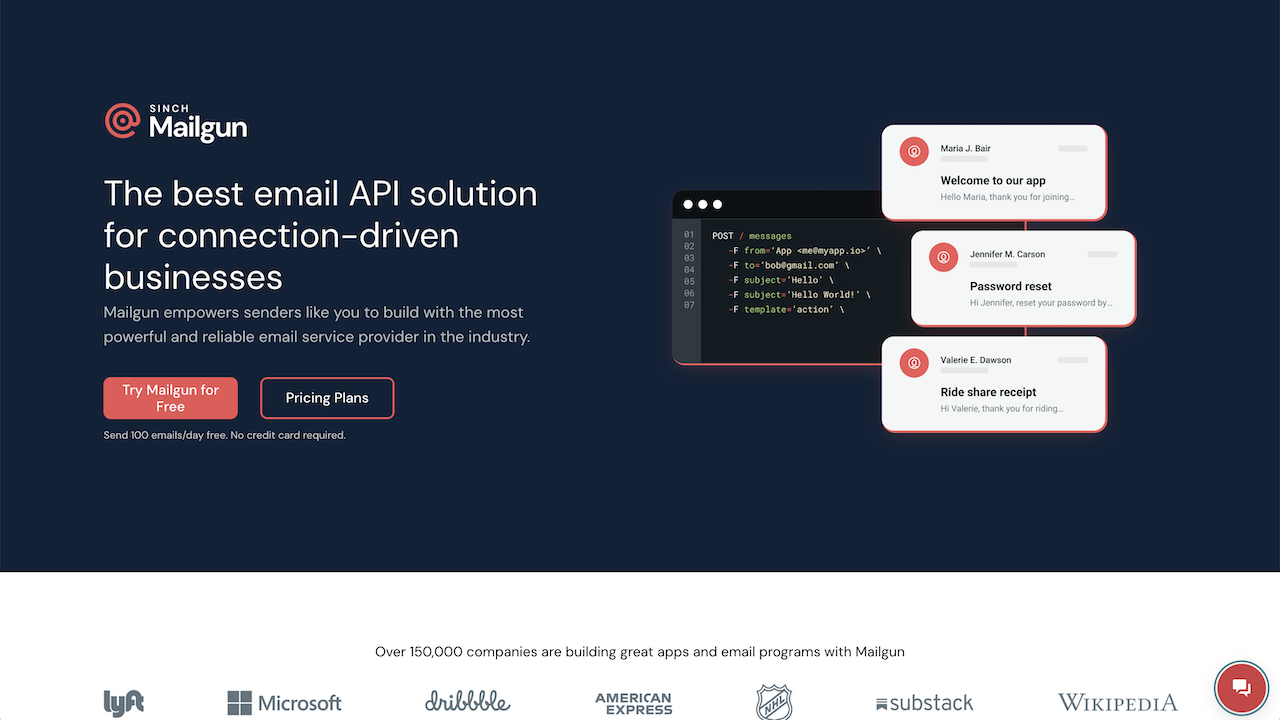
Who it's for: Companies sending millions of emails who need serious infrastructure.
What makes it stand out: Mailgun is built for scale. Send millions of emails daily? No problem. Real-time tracking shows you everything: delivered, bounced, opened, clicked. Security stuff (SPF/DKIM/DMARC) is handled.
SDKs for Node.js, PHP, Go, Java, Ruby. The API docs are solid with decent error messages. Analytics go deep and you can track everything about your email performance.
The infrastructure just works. You don't worry about capacity. Mailgun handles the scale.
The downsides: Gets expensive fast. Starts at $15/month for 10,000 emails, but high volume costs add up quick. Plus there's a lot of features you might never touch.
The API takes time to learn. If you just need to send simple emails, Mailgun feels like bringing a tank to a knife fight.
Bottom line: For serious email operations with big budgets, Mailgun delivers. The tracking and analytics justify the cost if you're sending at scale.
SendGrid: Transactional + Marketing Combined
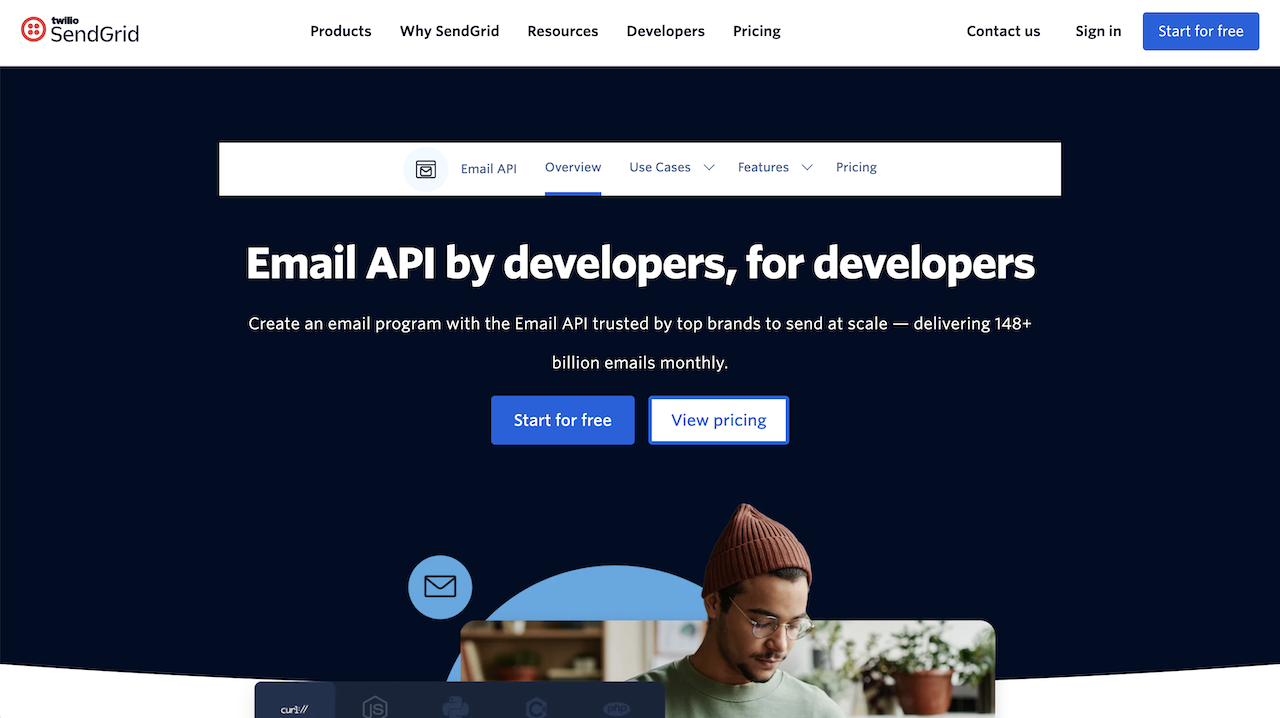
Who it's for: Apps that need both transactional and marketing emails without juggling multiple services.
What makes it stand out: SendGrid does both transactional and marketing. One platform, both types of email. The API works well, supports Python, Java, Node.js, PHP, Ruby, C#, Go. Documentation is decent.
Deliverability is solid. SendGrid knows how to get emails to inboxes. Good tools for monitoring reputation and fixing delivery problems.
You get marketing features too. Templates, campaigns, basic automation. Send everything from one place instead of managing two services.
The downsides: Free plan is useless. 100 emails per day? Come on. Paid plans start at $19.95/month for 50,000 emails. Not terrible, not great.
Also, SendGrid tries to do everything, so it's not amazing at anything in particular. Transactional emails are slower than Postmark. Marketing features are weaker than dedicated platforms.
Bottom line: If you want one service for everything and can accept "good enough" instead of "best in class," SendGrid works.
Amazon SES: Budget-Friendly AWS Integration
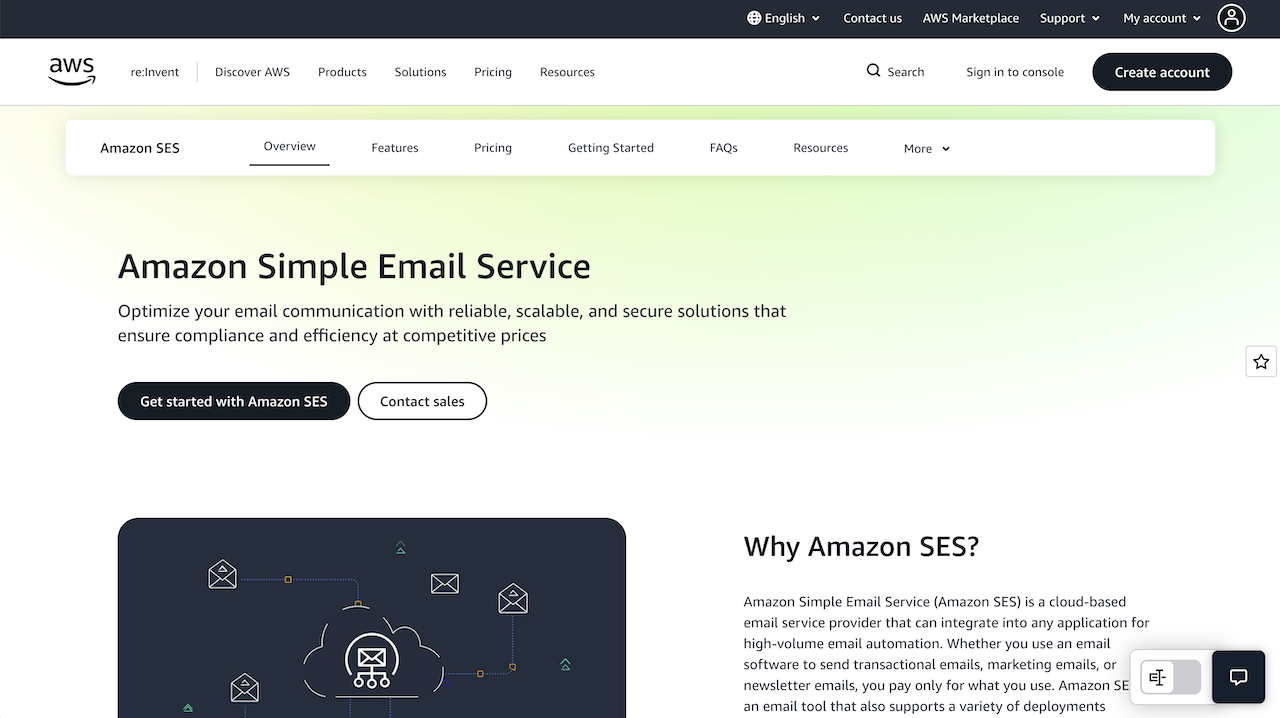
Who it's for: AWS users who want cheap email and don't mind extra setup.
What makes it stand out: SES is stupid cheap: $0.10 per 1,000 emails. If you're already on AWS, integration is smooth. Use CloudWatch for monitoring, Lambda for automation, tie everything together.
No monthly fees (after year one when you get 3,000 free emails monthly). Pay only for what you send. Variable volume? Perfect.
The downsides: You'll work for that low price. Set up sending limits yourself, handle IP warming yourself, configure authentication yourself, build tracking yourself. SES gives you the basics, you build everything else.
The API works but it's bare bones. Want analytics? Build them. Want webhooks? Set them up. Want deliverability monitoring? That's on you.
Support means AWS docs and forums. No hand-holding. You better know what you're doing.
Bottom line: If you're already on AWS and comfortable building infrastructure, SES saves money. But you're basically building your own email service on top of AWS.
Resend: Modern Developer Experience

Who it's for: Developers who want an API that doesn't suck.
What makes it stand out: Resend built a transactional email API for developers who care about good design. The API makes sense. Docs are clear. Integration is actually pleasant.
Templates work well. Webhooks are reliable. Deliverability is solid. They're newer but already have a good reputation among developers.
The downsides: They're new. Less proven than Postmark or Mailgun. Fewer enterprise features. Smaller community. Not tested at massive scale yet.
Bottom line: If you want a modern API that's nice to work with, try Resend. Great for teams that value developer experience.
SparkPost: Enterprise Analytics and Compliance

Who it's for: Big enterprises with compliance requirements and deep pockets.
What makes it stand out: SparkPost is enterprise software through and through. Advanced analytics, compliance features, detailed reporting. If your legal team has opinions about email infrastructure, SparkPost checks the boxes.
Deliverability is good. Infrastructure is solid. Reputation monitoring tools work. You get the support enterprises expect.
The downsides: Complex pricing that requires a sales call. The platform feels heavy. Not built for developers, built for enterprises. Too much for basic transactional email.
Bottom line: If you're a big company needing enterprise features and compliance, SparkPost works. Everyone else should look elsewhere.
What Makes Transactional Emails Effective
Picking the right service is just the start. Here's what makes transactional emails actually work.
Speed matters. Users sit there waiting for password reset emails. Order confirmations need to arrive before buyers panic. Every extra minute feels broken to users.
Reliability is everything. When transactional emails fail, users think your app is broken. You need 99.9%+ uptime, set up monitoring and getting alerts when things break.
Keep them separate from marketing. Marketing emails get spam complaints. Don't let that kill your password reset delivery. Use separate streams or separate services entirely.
Make them clear. Password reset emails should explain what to do. Order confirmations should confirm what users bought. Unclear emails create support tickets.
Deliverability or nothing. Fast emails in spam folders are useless. Pick services that handle authentication, reputation, and ISP relationships for you.
Where Bento Fits: Transactional Email with Deliverability Built-In

You're looking at transactional email services. Here's where Bento fits in.
Transactional API access. We have a REST API for sending transactional emails, webhooks for delivery events and SDKs for common languages. Standard stuff that works like you'd expect.
Deliverability infrastructure included. Most transactional services make you handle deliverability yourself. We include authentication setup, reputation monitoring, and batching controls in the price. No extra tools needed.
This matters. Fast emails that land in spam are worthless. We handle both speed and deliverability.
Message streaming for reputation protection. We separate transactional from marketing emails. Marketing spam complaints won't kill your password reset delivery. If you send both types, this isolation matters.
Batching for volume spikes. Flash sale? Hundreds of new signups? Those volume spikes can hurt deliverability if you blast everything at once. We batch sends intelligently, spreading volume over time.
When Bento makes sense: You want transactional emails with deliverability handled. You care about inbox placement. You don't want to manage infrastructure yourself.
When others make sense: Need the absolute fastest delivery? Postmark. Want the cheapest option? SES. Building custom infrastructure? Mailgun.
The honest take: We're not trying to beat Postmark on speed or SES on price. But if you want transactional APIs with deliverability infrastructure built in, we do that well.
Effective transactional email needs both good APIs and good deliverability. Services that handle both tend to work better than those focusing on just one.
Ready to Build Reliable Transactional Email?
Pick services with real uptime guarantees. Look for 99.9%+ SLAs. Set up monitoring. Get alerts when things break. Your users won't forgive email failures.
Speed matters for critical emails. Password resets and order confirmations can't wait. Pick services built for speed.
Separate transactional from marketing. Don't let marketing problems kill your transactional delivery. Use different streams or different services.
Monitor everything. Track delivery rates, bounces, speed. Set up alerts for failures. Fix problems before users notice.
Deliverability isn't optional. Fast emails in spam are useless. Pick services that handle authentication, reputation, and ISP relationships.
Need more info? Check our best email API services guide for API comparisons. Read about email deliverability tools to understand what matters. Compare with best email marketing services if you need both.
Every service we covered does something well. Postmark for speed. Mailgun for scale. SendGrid for convenience. SES for cost. Resend for developer experience. Bento for deliverability infrastructure.
Pick what matters most: speed, cost, scale, or deliverability. Then ship it. Start with one service, integrate it, measure results, improve. If you want to try Bento's transactional APIs with deliverability built-in, let us know.

