



You know those emails your app sends. Password resets. Order confirmations. Account alerts. If they don't reach your users, you get support tickets. One bad experience could be enough to lose you a customer.
Picking a transactional email provider isn't like choosing other tools. Price matters, sure. But if your emails don't reach inboxes, the cheapest provider becomes the most expensive one. You need to think about deliverability, API quality, and what happens when things break at 3 AM.
This guide walks through everything you need to consider when choosing a transactional email provider. We'll cover the technical stuff (APIs, deliverability), the business stuff (pricing, support), and help you compare the major players.
TL;DR: Quick Picks by Use Case
Key factors that actually matter:
- API quality: You'll be coding against this API for years. Bad docs cost developer time.
- Deliverability: Authentication setup, reputation monitoring, inbox rates
- Reliability: What's their actual uptime? Not the marketing number.
- Speed: How fast emails hit inboxes (seconds matter for password resets)
- Pricing: Total cost including overage fees, not just the starting price
- Support: Can you reach a human when your emails stop sending?
Quick provider recommendations:
- Postmark — Speed matters more than price. Great for password resets.
- SendGrid — Need both transactional and marketing emails. Solid middle ground.
- Mailgun — High volume senders who need enterprise features
- Amazon SES — You're already deep in AWS. Cheapest option if you handle setup.
- Bento — Want deliverability tools included without extra fees
What to watch out for: The cheapest provider often ends up costing more. Bad deliverability means emails in spam. That means angry users, support tickets, and lost customers.
For comparing transactional email services, see our best transactional email services guide. For understanding email APIs, check what is email API.
What Actually Matters When Choosing a Provider
After helping dozens of companies pick providers, here's what actually moves the needle:
API Quality
You're going to live with this API for years. A bad API costs developer time every single day.
Spend 30 minutes testing their API before committing. Send a test email. Check how they handle errors. Read their docs. If the getting started guide takes more than 10 minutes, that's a red flag.
The best APIs have SDKs in your language, clear error messages, and docs with actual code examples. Not marketing fluff. Real code you can copy and run.
Here's a quick test: Can you send your first email in under 5 minutes? If not, multiply that friction by every feature you'll build.
Deliverability
Here's the truth: if your emails don't reach inboxes, nothing else matters.
Every provider claims "great deliverability." Most are lying. Or at least stretching the truth. Real deliverability means your provider handles SPF, DKIM, and DMARC setup. They monitor your reputation. They throttle sends when needed. They have relationships with inbox providers.
Ask providers for their actual inbox placement rates. Not delivery rates (which just means the email left their servers). Inbox rates. If they won't share numbers, walk away.
Some providers include deliverability tools. Others charge extra. Factor that into your pricing comparisons.
Reliability
When your transactional emails fail, users can't reset passwords. They don't get order confirmations. Your support team gets flooded.
Every provider promises 99.9% uptime. But check their actual status page. Look at the last 90 days. Count the incidents. Read the post-mortems. That tells you more than any SLA.
Also check what happens during an outage. Do they queue emails and retry? Or do emails just disappear? Some providers have automatic failover. Others don't. Know which one you're getting.
Speed
Password reset emails that take 5 minutes feel broken. Users click "resend" multiple times. Your inbox gets flooded with duplicates.
Test actual delivery times yourself. Send emails to Gmail, Outlook, and Yahoo. Time them. Do this at different times of day. Peak hours matter.
Some providers optimize for speed (Postmark delivers in seconds). Others batch sends for efficiency (can take minutes). Know what you're getting. For password resets and order confirmations, seconds matter.
Pricing
Most companies focus too much on per-email costs. The real cost includes overage fees, deliverability tools, dedicated IPs, and developer time.
Run the numbers at your current volume, 2x volume, and 10x volume. Pricing tiers can surprise you. That cheap starter plan might become expensive fast.
Watch for hidden costs. Some providers charge extra for link tracking, opens tracking, or webhook events. Others include everything. Add it all up before comparing.
Note on Bento: Unlike the others, Bento charges by contact (subscriber), not by the number of emails sent. You can send unlimited emails to your contacts. The price listed below assumes you have 3,000 contacts or fewer (the minimum tier).
| Provider | Free Tier (Monthly) | Starting Paid Plan | Cost for ~50,000 Emails | Best For |
|---|---|---|---|---|
| Amazon SES | 3,000 emails (for 12 mos) | Pay-as-you-go | $5.00 | Lowest absolute price |
| Resend | 3,000 emails | $20/mo (includes 50k) | $20.00 | Developer Experience (DX) |
| SendGrid | 100 emails/day (~3k/mo) | ~$19.95/mo (includes 50k) | $28.00 | Marketing + Transactional Mix |
| Mailgun | 5,000 emails (1 mo trial) | $35/mo (includes 50k) | $35.00 | High Volume & Analytics |
| Postmark | 100 emails (Developer) | $15/mo (10k emails) | $55.00 | Speed & Deliverability |
| SparkPost | 500 emails (Test account) | ~$20-$30/mo | ~$20.00 | Enterprise Compliance |
| Bento | 30-day free trial | $30/mo (up to 3k contacts) | $30.00* | CRM & Automation |
Support
Your emails stop working on a Friday night, or during Black Friday, or right after a product launch. Can you reach someone who can actually help?
Test support before you need it. Send them a technical question. See how long it takes to get a real answer - not a canned response, a real solution.
Good providers have engineers on support. Bad ones have salespeople reading scripts. You'll know the difference immediately.
How to Actually Compare Providers
Forget comparison matrices. Here's how to really evaluate providers:
Step 1: Know your non-negotiables. Start with deal-breakers. Need sub-second delivery? That eliminates half the field. Must have phone support? That's another filter. Already using AWS? Maybe SES makes sense.
Step 2: Test with real emails. Sign up for free trials, send actual transactional emails and time them. Check how they look in different clients. Test the edge cases. What happens with attachments? Unicode characters? High volume bursts?
Step 3: Read the incident reports. Go to their status page and read the last year of incidents - not just the count, but the details. How did they handle problems? How fast did they communicate? How often do the same issues repeat?
Step 4: Talk to their support. Before you have a problem, ask a technical question and see if you get an engineer or a salesperson. Check response times. This tells you what to expect when things break.
Step 5: Calculate the real cost. Include everything: per-email costs, overage fees, deliverability tools, dedicated IPs, support tiers, developer time for integration. The cheapest sticker price rarely wins.
The Major Players (and What They're Actually Good At)
After testing all the major providers, here's the real story:
Postmark
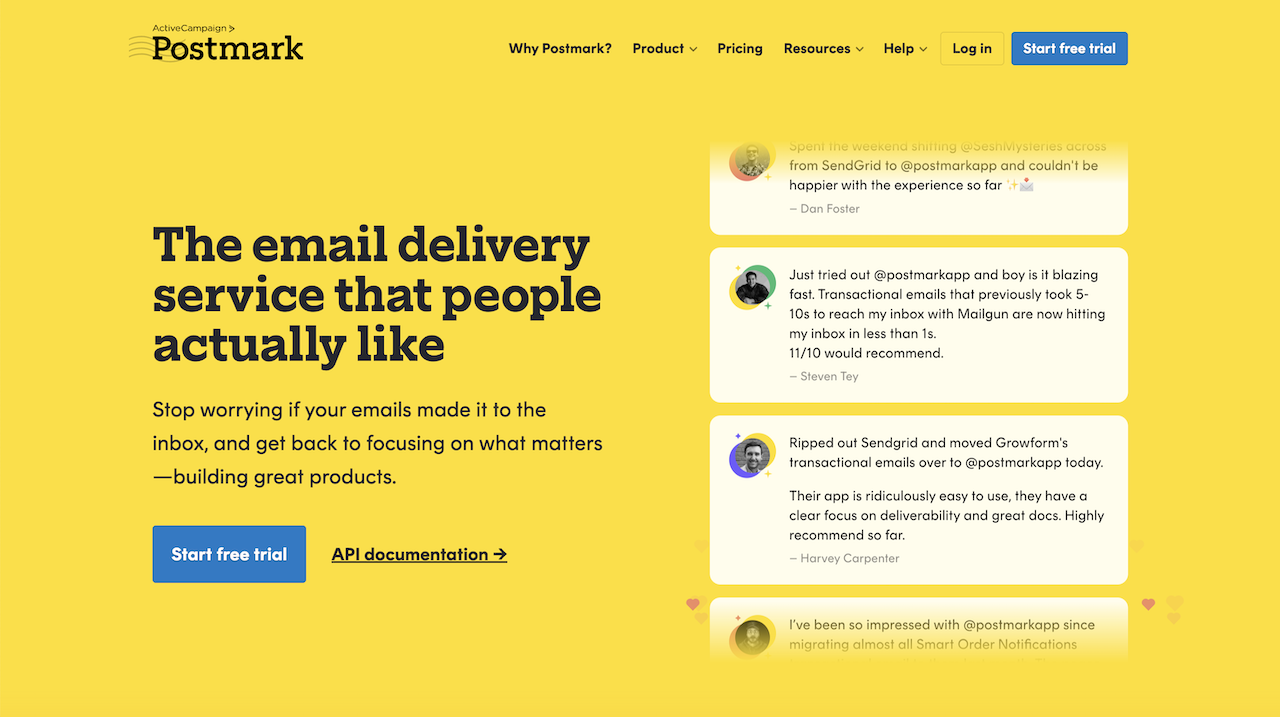
Best for: Companies where every second counts. SaaS apps with demanding users.
The reality: Postmark is the Ferrari of transactional email. Emails hit inboxes in 1-2 seconds. Their API is clean. Documentation is excellent. Support actually knows what they're talking about.
The catch: You'll pay for that speed. $15/month for 10,000 emails. No marketing features at all, just transactional.
When to use: Your users expect instant password resets. You can afford the premium. You don't need marketing emails.
SendGrid
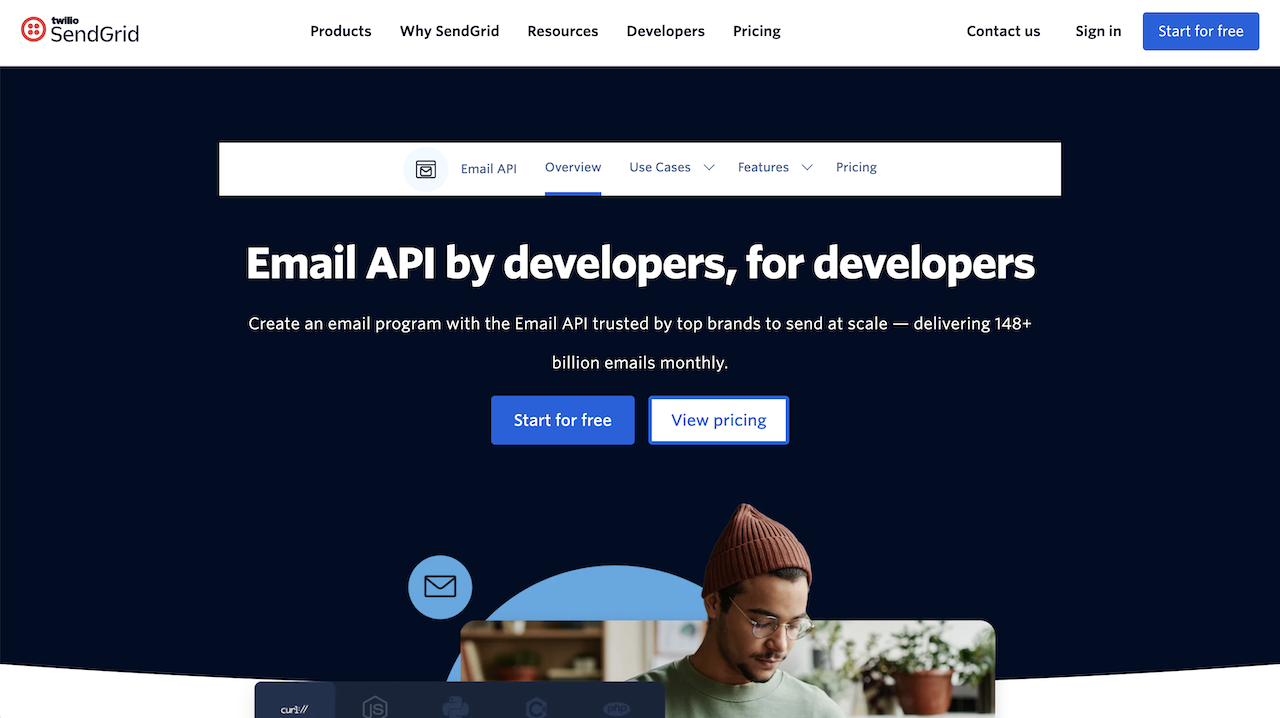
Best for: Startups that need both transactional and marketing email.
The reality: SendGrid tries to do everything and they mostly succeed. The API is solid. Deliverability is good (not great). You get both transactional and marketing features. It's the Honda Civic of email. Reliable, affordable, gets the job done.
The catch: Jack of all trades, master of none. Not the fastest, not the cheapest, not the best at anything specific.
When to use: You need one tool for all email. Budget matters but isn't critical. You're okay with "good enough."
Mailgun
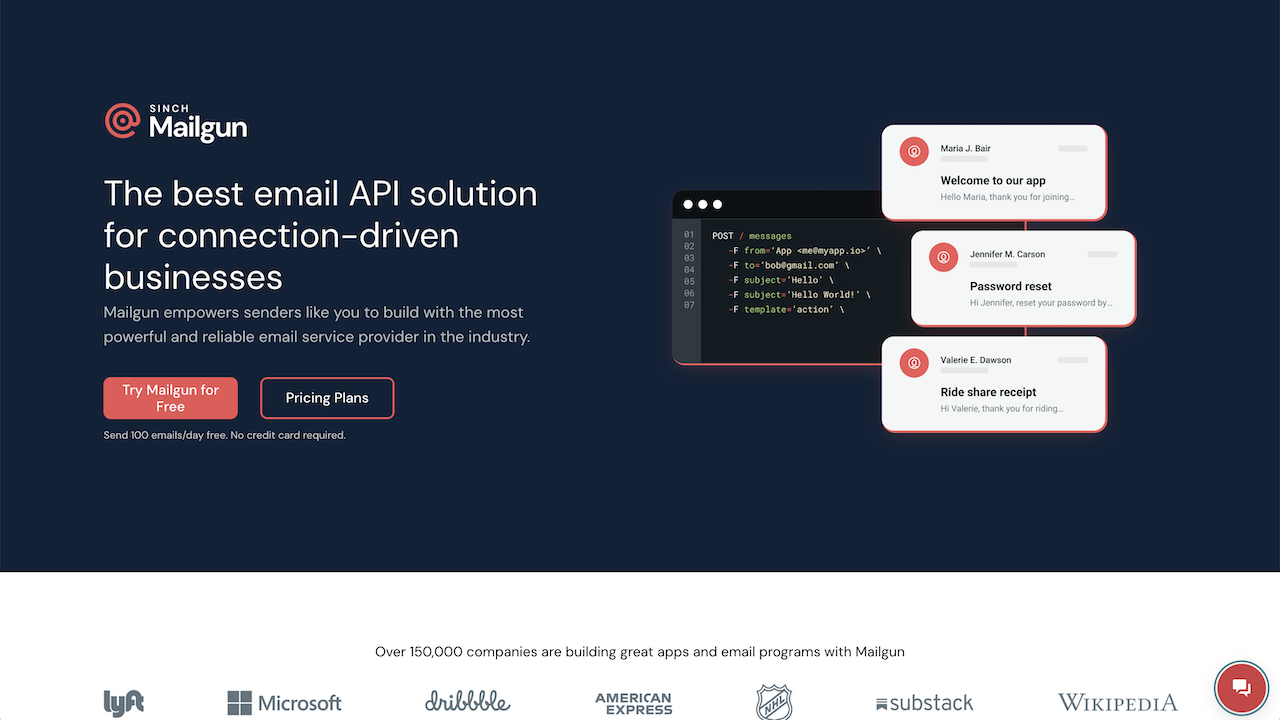
Best for: Developers who want control. High-volume senders.
The reality: Mailgun is built for developers. Powerful API. Great routing features. Solid infrastructure. You can do almost anything. But you'll need to figure out how.
The catch: More complex than others. Documentation assumes you know what you're doing. Pricing gets expensive at scale.
When to use: You're sending millions of emails. You need advanced routing. Your developers want flexibility.
Amazon SES
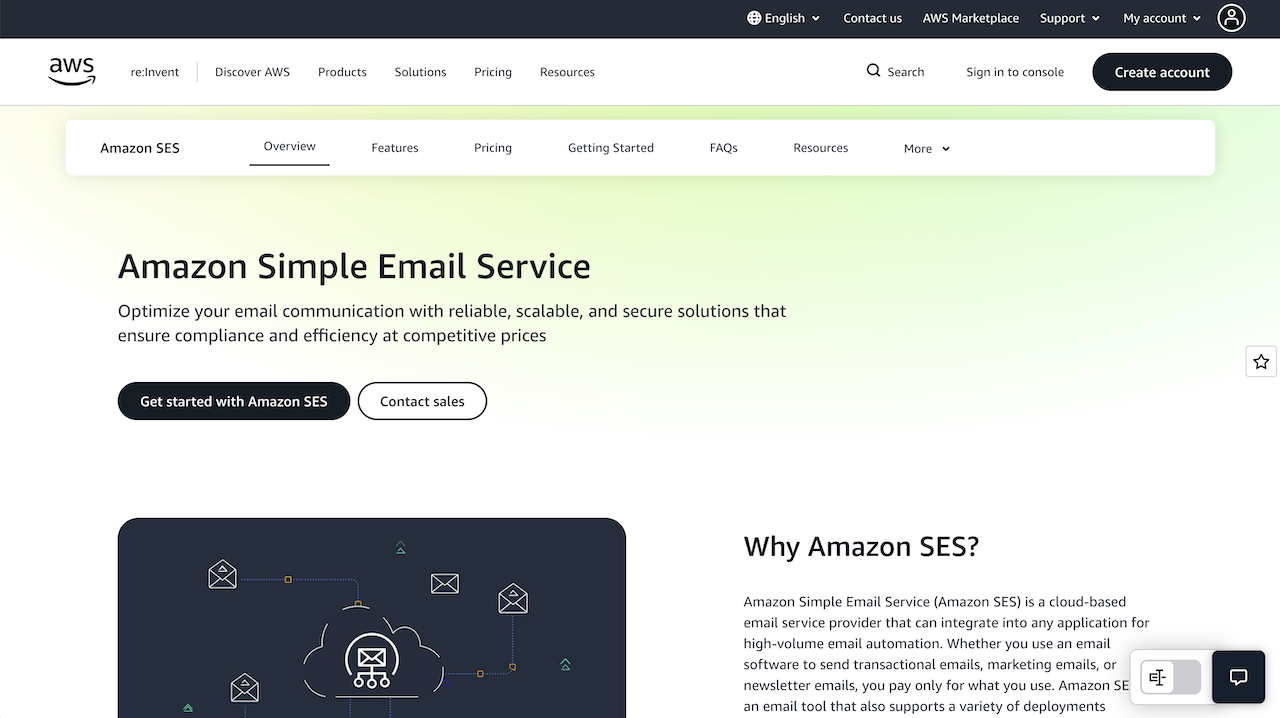
Best for: Companies already deep in AWS. Cost-conscious high-volume senders.
The reality: SES is stupid cheap: $0.10 per 1,000 emails. If you're already using AWS, integration is straightforward. But you're on your own for everything else.
The catch: Bare bones. No fancy UI. Minimal support. You handle deliverability yourself. Getting off the sandbox takes time.
When to use: You're already in AWS. Price is everything. You have engineers who can handle the complexity.
Bento
Best for: Companies that want everything included and no surprise fees.
The reality: Bento includes what others charge extra for. Deliverability monitoring, reputation tools, batching controls - all in the base price. The API is clean. Documentation is solid.
The catch: Newer player. Not as many features as enterprise platforms. Fewer integrations.
When to use: You want predictable pricing. Deliverability matters. You're tired of add-on fees for basic features.
Where Bento Fits in Shortlist
Here's our pitch, straight up.
Bento does transactional email. We also do marketing email, but that's another story. For transactional, we're different in one key way: deliverability tools are included: not an add-on, not a premium tier, just included.
Our API works like you'd expect. REST endpoints, webhooks for events, SDKs in the usual languages. Nothing fancy, it just works.
When Bento makes sense: You want deliverability handled for you. You're tired of surprise add-on fees. You like predictable pricing. You might want marketing emails later.
When to pick someone else: Need the absolute fastest delivery? Postmark. Absolutely must have the cheapest price? Amazon SES. Need every enterprise feature imaginable? Mailgun or SendGrid.
We're not trying to be everything to everyone. We're good at email deliverability, reasonable pricing, and not nickel-and-diming you for features that should be standard.
Quick Integration Reality Check
Before you commit to a provider, know what you're getting into:
DNS setup complexity. You'll need to add SPF records, DKIM keys, and maybe DMARC policies. Some providers walk you through it, others hand you a text file and say "good luck." If you don't control your DNS, this gets complicated fast.
Template management. Where do templates live? In your code? Their dashboard? Both? Figure out your workflow before you have 50 templates scattered everywhere.
Testing in development. Some providers have sandbox modes. Others don't. You might need a separate test account or you might accidentally email real users from your dev environment. Ask about this.
Webhook handling. Bounces, complaints, opens, clicks - you'll want these events. That means setting up webhook endpoints, handling retries and signature verification. It's more work than you think.
Rate limiting reality. Every provider has limits - 10 emails per second, 1,000 per hour, whatever. Know your limits. Know what happens when you hit them. Some queue nicely. Others just reject.
Common Mistakes to Avoid
Before you make your final decision, watch out for these traps:
Ignoring the sandbox period. Many providers start you in a sandbox. Limited sending. Restricted features. Getting out can take days or weeks. If you need to send immediately, ask about this upfront.
Not testing at scale. That provider who handles 100 emails per day might choke at 10,000. Test at realistic volumes before committing.
Forgetting about compliance. GDPR, CAN-SPAM, CCPA. Some providers help with compliance. Others leave you on your own. Know which you're getting.
Overlooking migration pain. Switching providers means updating code, migrating templates, handling DNS changes. Factor in the switching cost before you pick the cheapest option.
Believing the marketing. Every provider claims 99% delivery rates. Most are measuring the wrong thing. Delivery means it left their server. Inbox placement means it reached the inbox. Big difference.
Making the Actual Decision
Pick your deal-breakers first. Must have sub-second delivery? Must integrate with your stack? Must stay under a certain price? Start there.
Then test the survivors. Really test them. Send emails. Break things. Talk to support. Check their status pages. Calculate the real costs.
Don't overthink it. You can usually migrate later if needed. But switching providers is annoying, so do enough homework to get it right the first time.
More guides that might help:
- Compare providers in detail: best transactional email services
- Understand the technical side: what is email API
- Fix delivery problems: email deliverability tools
If you want to test Bento, grab a free trial at bentonow.com. We'll help you send some test emails and see if we're a good fit.

