


Looking for the Latest Documentation?
We've moved our documentation to a new home! Visit our official docs site for the most up-to-date guides, API references, and tutorials. The below docs are like old and out of date.
Send AidaForm form submissions to Bento with Webhooks
Connect AidaForm to Bento via a webhook and send all new form submission events in a webhook payload to Bento.
-
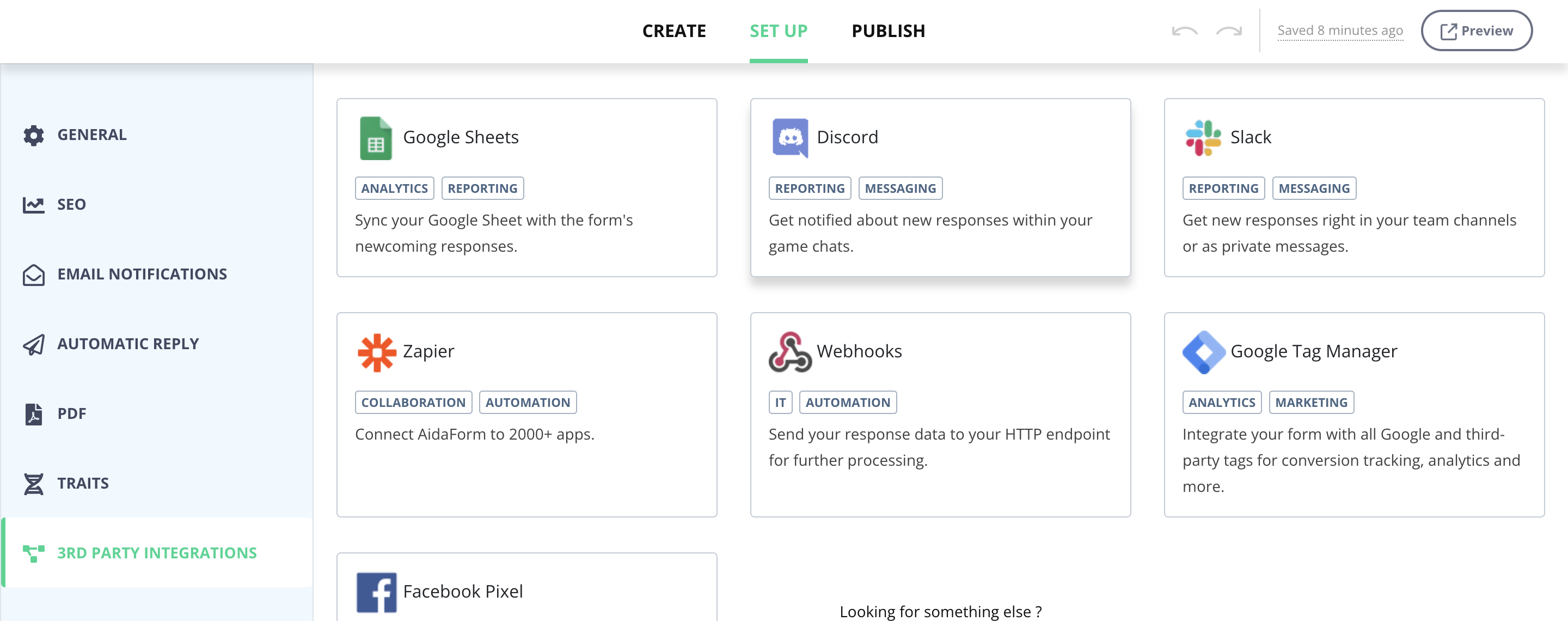
Once you've created a form, edit it and click Set Up.
-
In the sidebar, click 3rd Party Integrations and then click on Webhooks.
Note: You will need to be on the Expert AidaForm plan in order to use Webhooks.
-
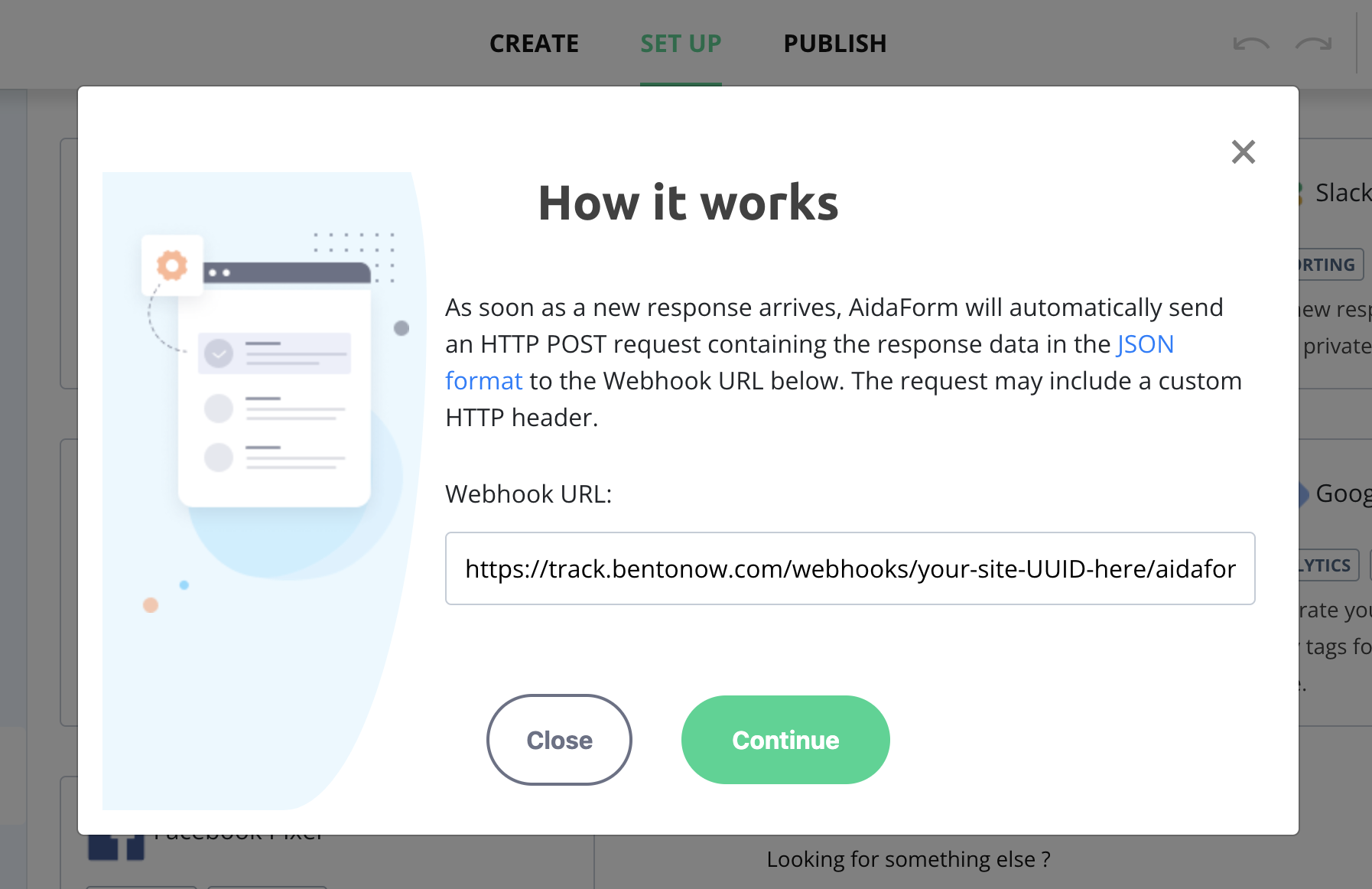
Paste the following URL into the Webhook URL field (make sure to add your Bento site UUID to the URL): https://track.bentonow.com/webhooks/your-site-UUID-here/aidaform/track
-
Click Continue.
-
If you want to add a custom header, you can do so here. If not, leave the default option selected and click Create.
-
You should now see that your webhook is active:
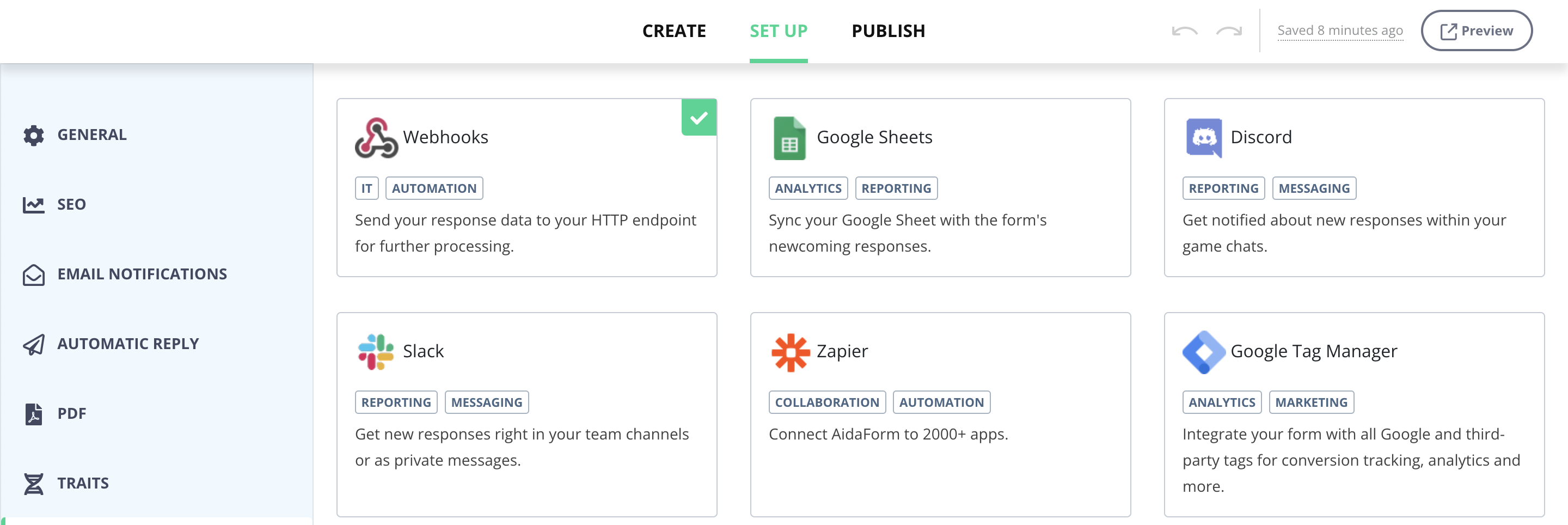
Whilst your webhook is active—any new responses to your form—AidaForm will POST the response's data in JSON format to Bento.
Here's a sample JSON payload:
{
  "form": "My Feedback Form",
  "url": "https://domain.aidaform.com/my-feedback-form",
  "created_at": 1325376000,
  "fields": [
    {
      "type": "full-name",
      "label": "Your name",
      "value": {"first-name": "John", "last-name":"Doe"}
    },
    {
      "type": "slider",
      "label": "Please rate your experience with the website",
      "value": 75
    }
  ]
}