Bento Supabase Integration



Overview
This integration uses Supabase Edge Functions to track subscriber events in Bento and send transactional emails through the Bento API.
Requirements
- Active Bento account with a site created
- Active Supabase account
- A front-end application with a URL that handles the email verification link
Installation Steps
Your Private API Keys button at the top rightCreate the following edge secrets to support the functions using the Bento API and Supabase Keys.

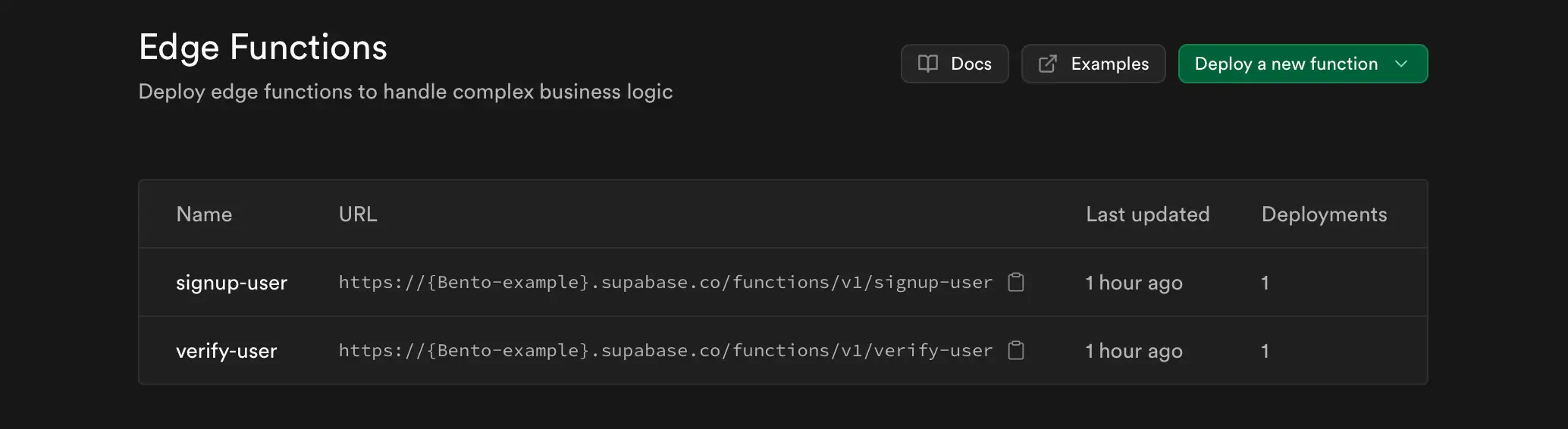
There are two sample edge functions included in the SDK. You can customize these to fit your use case. The
register-user function is used to create a new user in Supabase and the verify-user function is used to verify
a user after they click the confirmation link.
A common question is the use of Bento for confirmation emails. Bento does not offer SMTP server support. However these functions show how you can send confirmation and transactional emails from Supabase using the Bento API, and how you can send events from Supabase to Bento.
These functions are not production ready and are meant to be used as a starting point for your own implementation. They pass limited data and persist the bare minimum user data. You are expected to tailor them to your use case.
If you opt to use the verification Bento event, you can connect it to a Bento flow to start a user welcome flow or drip campaign.
How the connection works
When user registration events happen inside your application, those events are forwarded to Bento in the form of API calls through Edge Functions.
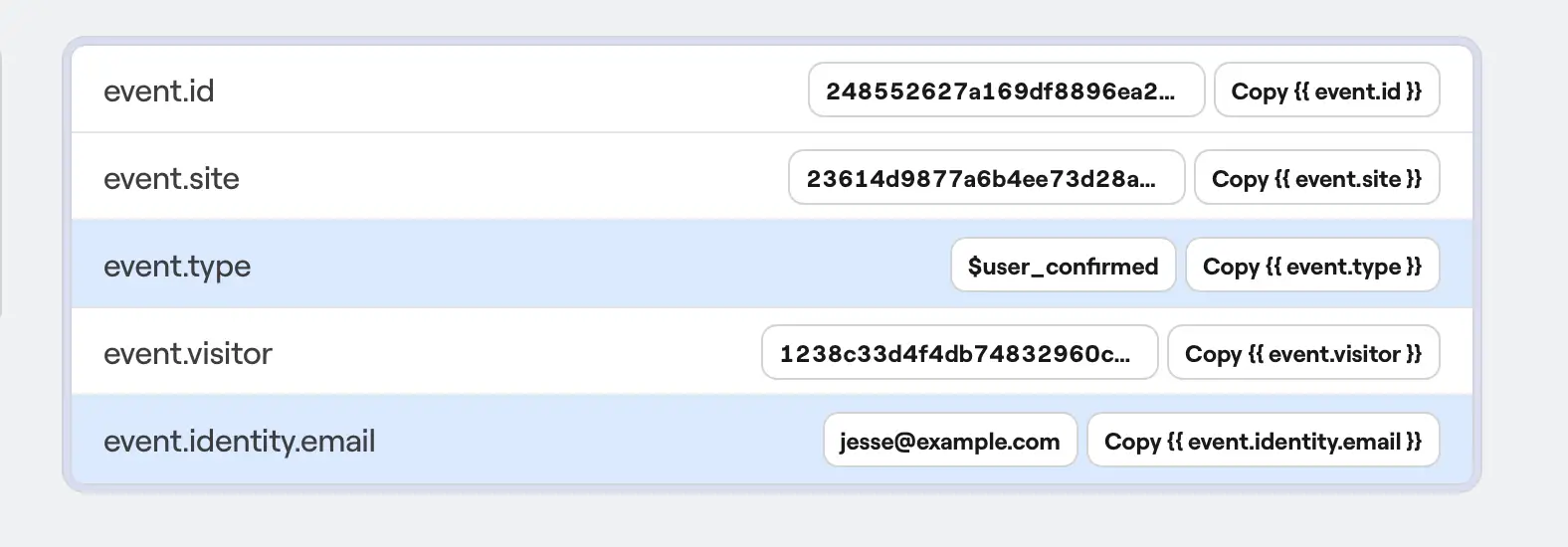
The SDK contains sample events for user onboarding. Look for the $user_confirmed event, which signals that a user has verified their email address through the confirmation process. Depending on your use case, the events will carry other data, such as email address, user ID, confirmation timestamp, and any custom user fields you've configured. You can also create and trigger your own events from your application.
These event details will be valuable as data to use in Bento flows for sequences, welcome campaigns, and user analytics.
Sample Event