



Bento Make (Integromat) Integration



Overview
The Bento Make (Integromat) integration lets you track events for your subscribers, update user data, record lifetime value (LTV), and trigger workflows from events in your Make scenarios.
Requirements
- Active Bento account with a site created
- Active Make (Integromat) account
Installation Steps
1
Click the
Install Make (Integromat) button.2
Look for the install button. Click that.

3
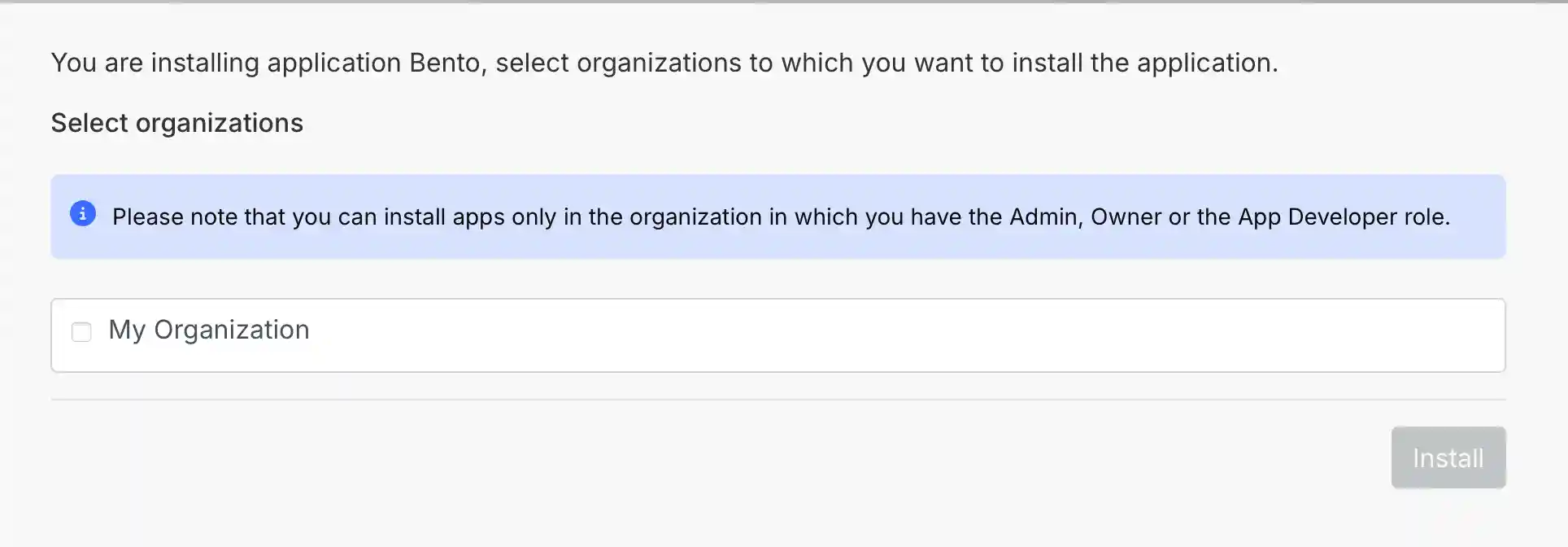
Check the box for your organization, once you have clicked install.
4
On the confirmation screen, click finish wizard or go to dashboard. You should see Bento available as an app in your Make scenarios.

How the connection works
Bento appears as an app in your Make scenarios. Use it to track and tag subscribers from events in other apps. You can attach custom data, such as purchase information, to those events. Bento uses purchase data to calculate LTV, trigger automations, and start drip campaigns.