



Bento Shopify Integration



Overview
The Bento Shopify integration tracks key events from your store, updates subscriber data, and records lifetime value (LTV) in your Bento account.
Requirements
- An approved Bento account
- A Shopify account
Installation Steps
You can connect Shopify to Bento in a few steps.
To install the Shopify App, you must login to Bento, select your team, and from your home page look for the Apps in the left side menu. It has a little power plug icon.Bento Teams
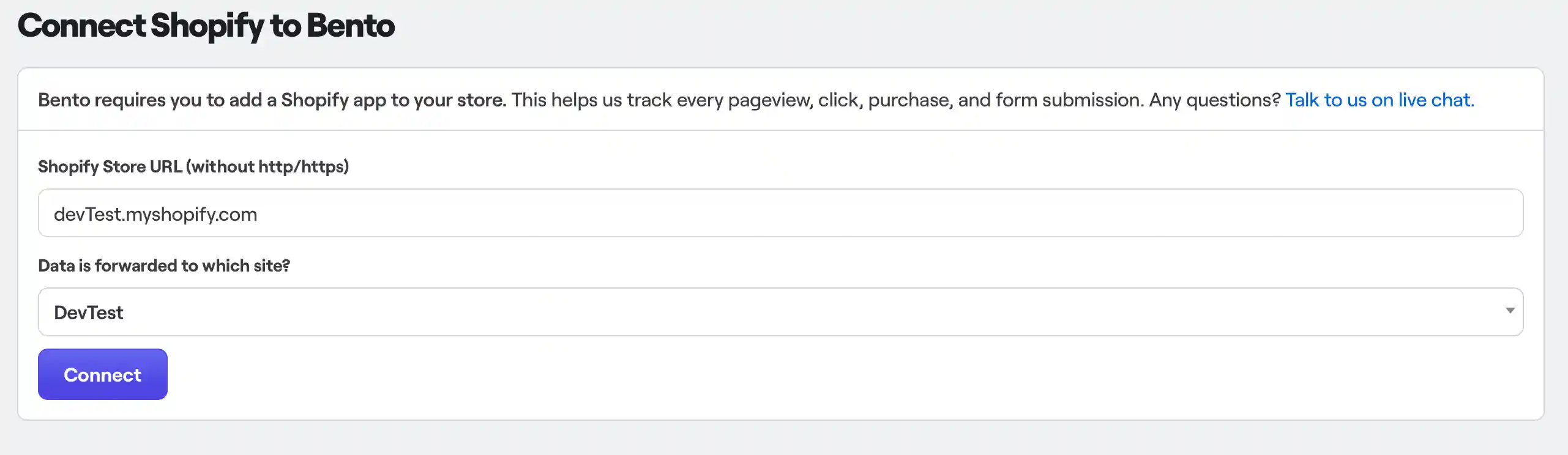
Enter your Shopify store URL storename.myshopify.com, which you can find in the domains menu
of your Shopify store settings. Then select the Bento site you want the Shopify data
forwarded to. When you are done, click the Connect button.
Shopify will ask you to confirm the app installation.
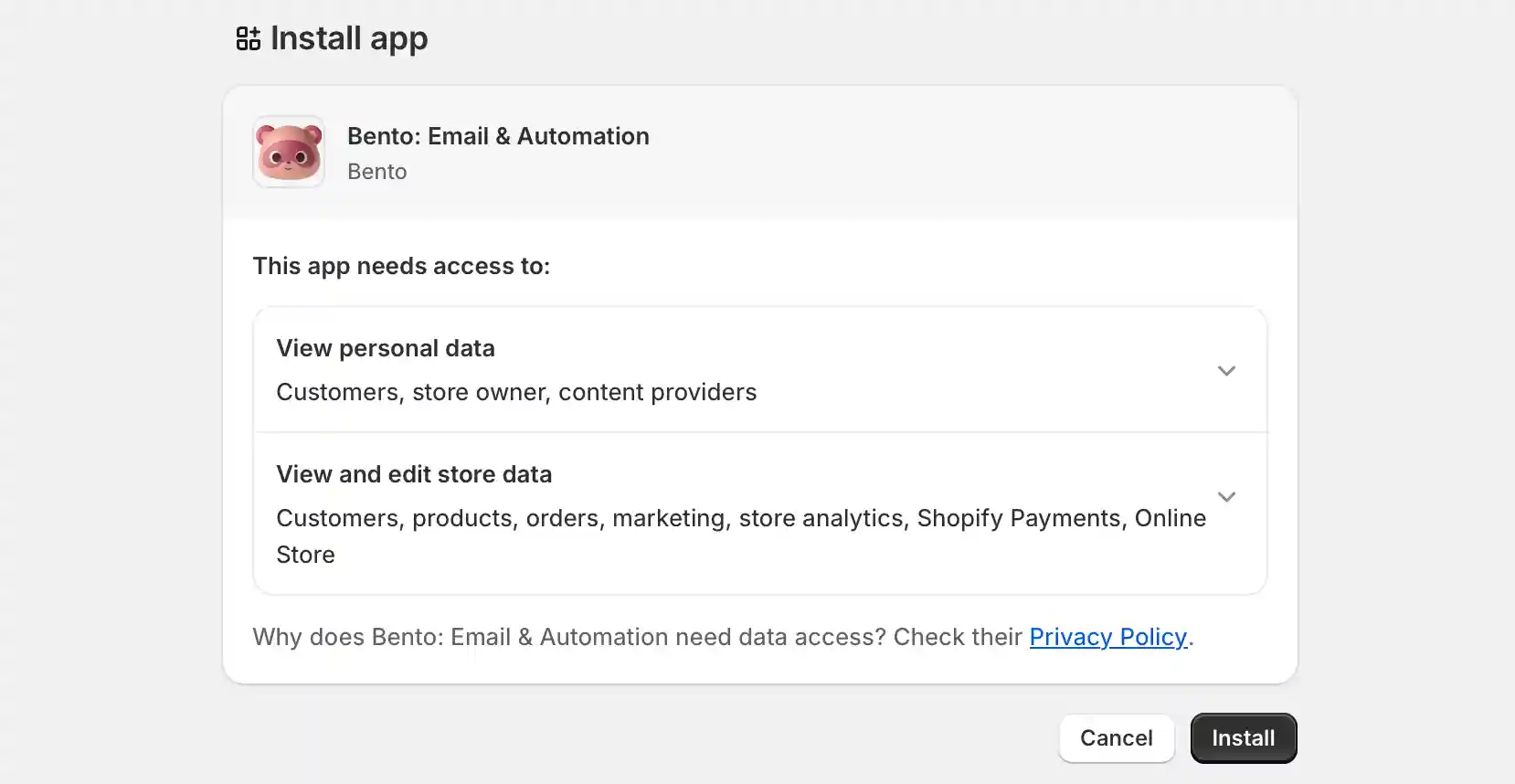
Once you have approved the app installation you will be redirected to the Bento dashboard. Find the Please choose a site button and click it. Select your Bento site and click save. You should see the integration listed as connected.

How the connection works
When purchase events happen inside Shopify, they are forwarded to Bento as webhooks. Each event can include extra data such as order value, currency, and cart items. You can use these event details in flows to segment subscribers and trigger automations.