



How to Test Email Flows
Use Bento's flow test tools before production traffic reaches an automation. A good test catches bad conditions, duplicate sends, missing event data, and unsafe transactional paths before real subscribers see them.
Safe Testing Setup
Before testing a flow:
- Create a staging Bento site or use a dedicated seed segment in your production site.
- Use test email addresses that belong to your team.
- Keep the flow paused until the trigger, splits, and email content are verified.
- Add a visible tag such as
internal:testto every seed contact. - Rate limit the app action that triggers the email.
- Make retry logic idempotent so one failed request cannot send two emails.
For direct API testing, start with the API Quickstart, then send events to seed contacts only.
Setting Up a Simple Flow
Let's start with a basic example:
- I have a Flow that triggers when a custom event contains "approved" or "unapproved"
- I want to test how different events will traverse this Flow
Here's what the Flow looks like:

Testing Events
To test an event, simply:
- Click
start a task-->Testat the top of the Flow editor - Enter the ID of the event you want to test
- Click
Runand watch how the event moves through your Flow
Catching Mistakes
The test suite is fantastic for catching mistakes in your Flows.
In my example, I initially used contains instead of equals to check for the approved event.
This caused both the "approved" and "unapproved" paths to fire, because unapproved contains approved!
The test suite made it easy to spot and fix this error.
Testing Splits
Bento's test suite is also great for verifying how specific users will traverse splits in your Flow.
For example, I have a split that checks if the user's first name is "Jesse".
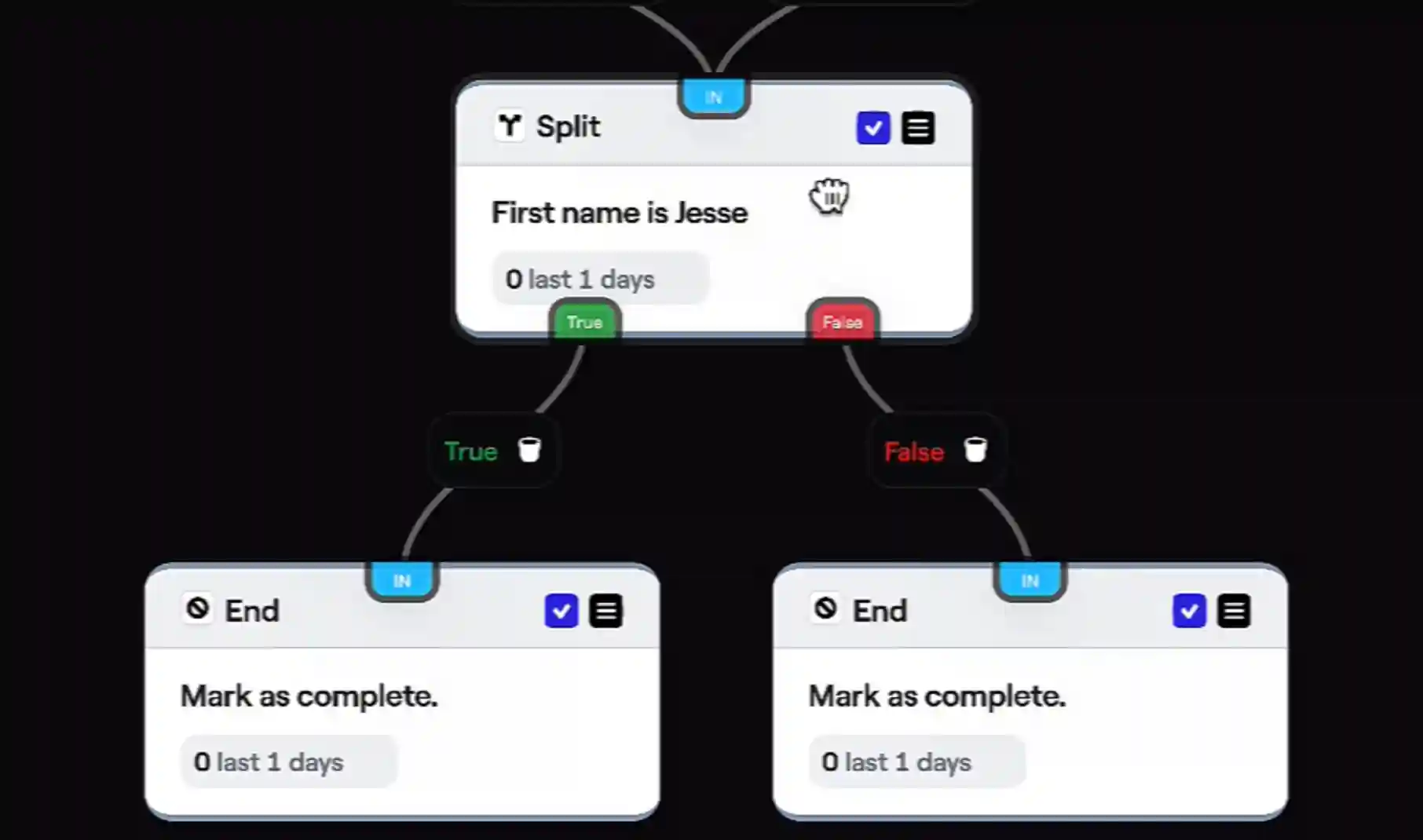
By updating my own first name and re-running the test, I can confirm the Flow behaves as expected for different users.
What the Test Suite Covers
Bento's test suite is a powerful tool for debugging your Flows and Automations.
It allows you to:
- Test how specific events move through your Flow
- Catch mistakes and unexpected behavior
- Verify splits are working correctly for different users
Run the test suite before activating any complex Flow to confirm it's configured properly.